The 5 ways to split an expense (and when to use each)
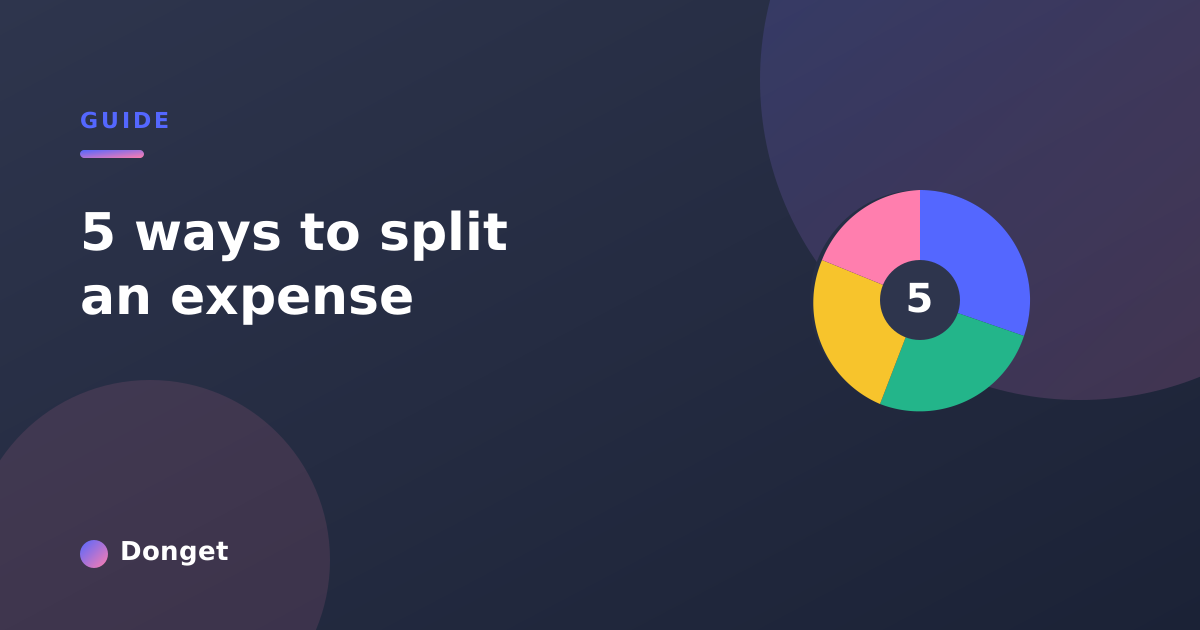
Splitting equally is rarely the fairest option. Here are the 5 ways to split an expense — equally, by amounts, by percentages, by shares, item-by-item — and when to use each.
Most expense apps give you one tool: split it equally. And for a coffee run, that’s fine. But real life isn’t always equal. One person didn’t drink, two people shared the big plate, somebody’s covering a guest. Force every cost into an even split and someone always ends up quietly subsidising someone else.
The fix is to match the split to the situation. Donget gives you five ways to split an expense, and once you know when to reach for each, “fair” stops being a debate.
1. Split equally
The default, and the right choice surprisingly often. Everyone pays the same share.
Use it when the cost genuinely benefits everyone the same way: the group taxi, a shared streaming subscription, the rental car that everyone rides in.
Skip it when people consumed clearly different amounts. “We’ll just split it” is the phrase that breeds quiet resentment when one person had a salad and another had the steak and two cocktails.
2. Split by exact amounts
You type in exactly what each person owes. The shares don’t have to add up evenly — they just have to add up to the total.
Use it when you already know the breakdown: a hotel where one person had the suite, a bill where someone is paying for their own add-on, or any cost where the numbers are simply known.
The fairest split isn’t the most even one. It’s the one that matches what people actually used.
3. Split by percentages
Each person takes a percentage of the total. Handy when the split is proportional rather than itemised.
Use it when there’s an agreed ratio: housemates splitting rent 60/40 because one room is much larger, a couple sharing costs in proportion to income, or business partners dividing a joint expense by ownership stake.
4. Split by shares
Instead of percentages, you assign “shares” — like 2 shares to the couple and 1 share to the single friend. The app does the division.
Use it when counting heads is easier than doing percentages. A villa where a couple takes one room (2 shares) and solo travellers take theirs (1 share each) splits cleanly without anyone reaching for a calculator. It’s also perfect for family trips where kids count as a half-share.
5. Split item-by-item
The most precise option: you assign individual line items to the people who had them. The steak goes to one person, the shared starter gets split, the dessert two people ordered goes to those two.
Use it when a single bill contains very different orders — the classic restaurant cheque where everyone ate something different. Combine it with free AI receipt scanning: snap the receipt, and assign items straight from the scanned list.
A quick decision guide
- Everyone benefited equally → equally
- You know the exact numbers → by exact amounts
- There’s an agreed ratio → by percentages
- Some people count for more → by shares
- One bill, different orders → item-by-item
Why having all five matters
An app that only splits equally forces you to do the awkward math yourself — or to let small unfairnesses slide until they add up. Having all five methods means every Expense gets divided the way it actually happened, so the Balances are always something the whole group can look at and agree with.
That’s the real goal. Not perfect decimals, but a split nobody has to argue about.
Frequently asked questions
What are the five ways to split an expense?
Equally, by exact amounts, by percentages, by shares, and item by item. Equally is the default; the other four exist for the cases where an equal split would quietly overcharge somebody.
When should you split an expense equally?
When everyone got roughly the same thing out of it — a shared taxi, a group dinner where nobody went wildly over, the weekly groceries. If the benefit was equal, the split should be too, and it is the fastest option to agree on.
What is the difference between splitting by percentages and by shares?
Percentages are absolute and have to add up to 100, which suits income-based splits like 60/40. Shares are relative counts — a couple takes two shares, a single person takes one — so the app does the arithmetic and you never have to recalculate when the group size changes.
How do you split a restaurant bill when people ordered very differently?
Item by item. Assign each dish to whoever ordered it, share the starters across the table, and let the app total each person up. It takes a minute and it removes the whole argument about who owes what.
Is splitting equally always the fairest option?
No. Equal and fair are different things. If one person skipped the activity, took the smaller room or does not drink, an equal split charges them for something they never had — which is exactly what the other four methods are for.
Want to split every expense the right way? Download Donget free and try all five. See them in action on the features page, or read how it handles a group trip.