Splitwise daily limit (2026): how many expenses per day are free
Splitwise lets free users add four expenses a day. Here is what the cap covers, why it exists, and three ways to keep splitting without it, without ads and without Pro.
You’re standing at the till, ready to log the fifth expense of the day, and the app stops you: you’ve hit your daily limit. To add more, you’ll need to upgrade. If you’ve used Splitwise lately, you’ve probably seen this — and you’re probably not thrilled about it.
Let’s talk about what’s actually going on, what your options are, and how to keep splitting bills without bumping into a wall every afternoon.
Why does Splitwise limit your expenses?
Splitwise introduced a cap on how many expenses free users can add per day — four, according to its own help centre — nudging people toward its paid Pro tier. It’s a common move: give the core feature away, then meter it once people depend on it.
The frustrating part is which feature got metered. Adding an expense isn’t a power-user extra — it’s the entire point of the app. A limit on logging expenses is a limit on using the app at all.
An expense splitting app that stops you from splitting expenses is solving the wrong problem.
If you’re a casual user who logs one or two things a week, you may rarely hit it. But on a group trip, a big grocery run, or any busy weekend, four expenses disappear fast.
What the cap does and doesn’t touch
The limit is on adding expenses, not on the ones you have already logged. Everything entered stays where it is, balances keep updating, and editing an old entry is not what trips the cap. It resets the next day, too — little comfort on the evening you have ten things to enter and four go in.
Your options when you hit the limit
You’ve basically got four:
- Wait until tomorrow. Annoying, and you will forget the expense by then. Forgotten expenses are exactly what these apps are supposed to prevent.
- Batch everything into one entry. You can lump several costs together, but now your Balances are vague and nobody can see what they actually paid for.
- Pay for Pro. A fine choice if you’re happy to pay a subscription to log your own grocery receipts, though it is worth knowing what else the free plan meters before you decide the cap is the only thing you are paying to remove.
- Switch to an app without the limit. If a daily cap on basic functionality feels backwards, this is the clean fix.
What to look for in a Splitwise alternative
If you decide to move, don’t just swap one paywall for another. Look for an app where the essentials are genuinely free:
- Unlimited expenses. No daily cap, ever. Log as many as your day requires.
- No ads between your expenses. Some free tiers replace the limit with adverts. That’s not better.
- Receipt scanning included. Snap the receipt, get the total, done — without it being a “premium” feature. Scanning is what keeps a busy day logged at all, which is exactly why metering it stings.
- Multi-currency built in. Essential the moment your group crosses a border.
- Smart settle up. The app should work out the fewest payments that make everyone even, not hand the group a list of every individual debt.
The test is simple: can you do everything you actually need — split, scan, settle — without ever being asked to pay or wait?
Where Donget fits in
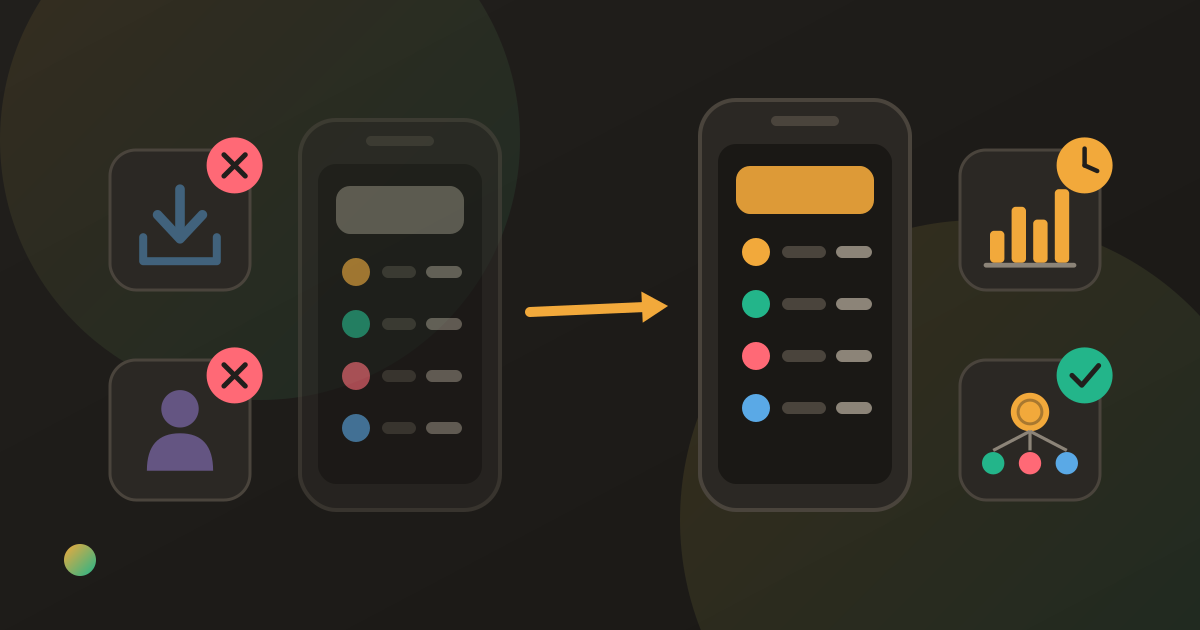
Donget was built as a Splitwise alternative for exactly this frustration. There’s no daily limit on expenses, no ads sitting between you and your Balances, and no “Pro” tier hiding the features you need most.
You can:
- Add as many expenses as you like, every single day.
- Split each one equally, by shares, by percentage, or to the exact amount.
- Scan receipts to add expenses in seconds.
- Track multiple currencies on the same trip.
- Settle up in the fewest possible payments.
It’s also fully multilingual across 87 languages with proper right-to-left support for Persian and Arabic, private and secure with no ads and no data selling, and built to stay simple — expense tracking that does the job without the bloat.
Switching is easier than you think
Moving apps sounds like a chore, but the practical reality is small. Moving across without losing track of who owes what comes down to three steps:
- Settle up any outstanding balances in your current app so you start clean.
- Create a Group in Donget for each group you actually still use.
- Add your friends and start logging your next expense.
You don’t need to migrate years of history — you need a fresh, clear slate for the expenses that are still live.
Keep reading: Splitwise alternatives: 5 free apps compared (2026).
Frequently asked questions
What is Splitwise’s daily expense limit?
Four. Splitwise’s own help centre says free users can add up to four expenses each day; past that, the app prompts an upgrade to Pro. On a busy day that is often gone by the afternoon.
How many expenses can you add on Splitwise for free?
Four a day on the free tier before it asks you to upgrade. That’s fine if you log one or two things a week, but frustrating on a group trip or a big grocery run where several expenses stack up fast.
Is Splitwise still free?
There’s still a free tier, but core actions — adding unlimited expenses, scanning receipts — are increasingly metered or reserved for Pro. Free now comes with a daily wall.
How do I avoid Splitwise’s daily limit?
Either pay for Pro, or switch to an app with no daily cap. Donget lets you add unlimited expenses every day for free, with no ads and no Pro tier hiding the basics.
What’s the best free alternative when you hit Splitwise’s limit?
Look for genuinely unlimited expenses, free receipt scanning, built-in multi-currency and smart settle-up. Donget offers all of these free for everyone in the group.
Does the Splitwise limit reset each day, and do I lose anything?
It resets the next day, and nothing you have already logged is affected — the cap only stops you adding new expenses. The cost is timing: you hit it on the day you have the most to enter, and by tomorrow half of it is forgotten.
If you’re tired of hitting a wall halfway through your day, you don’t have to put up with it. Download Donget free and split bills with no daily limits, no ads, and no surprise paywall.