Tricount changes explained: what's different and what your options are
The Tricount changes in short: Premium is gone with the new app, and with it CSV/PDF export, personal mode and sorting, while statistics and saved splits are planned to return. What still works, and your options.
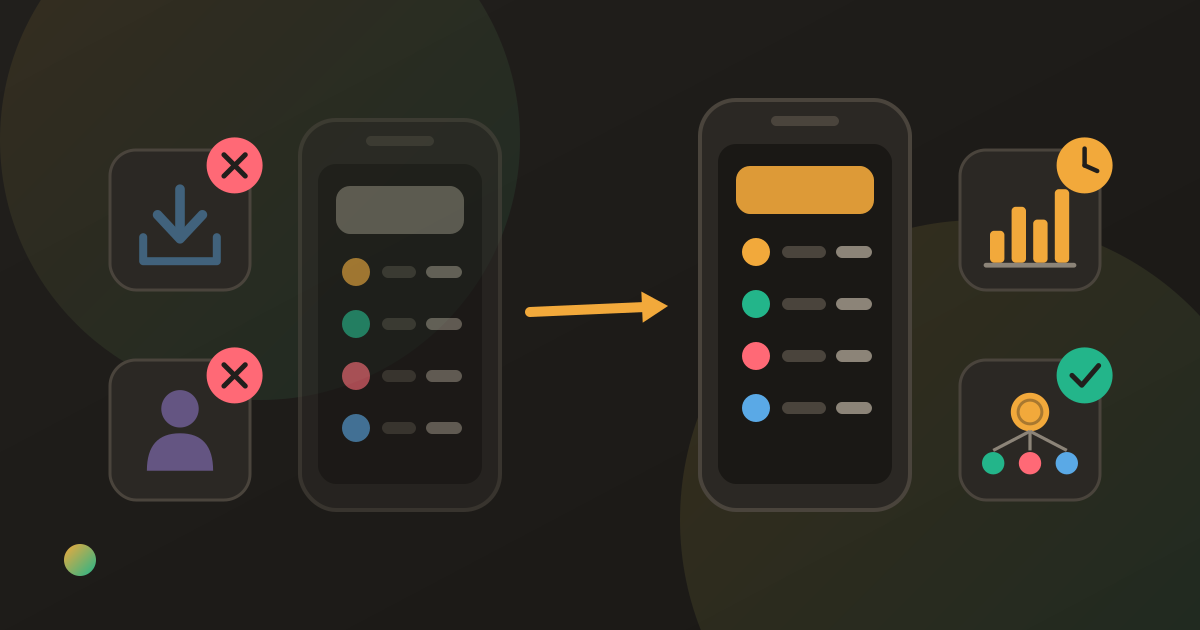
You opened Tricount after an update and something you relied on had gone: the export you sent to your landlord, the personal tab for your own spending, the statistics screen. Or you paid for Premium and cannot find it.
The Tricount changes are real, but narrower than they first feel. Tricount discontinued Premium with its new app; export to CSV and PDF, personal mode and sorting went with it, while statistics and saved custom splits are listed as planned for a future update. Splitting itself is still free, so most groups lose nothing they used every day.
These facts come from Tricount’s own help centre, in articles dated 2 October 2026, and from tricount.com, as of October 2026. Check them again if you are reading this much later; “planned for a future update” is a moving target.
What happened to Tricount Premium
Premium was the paid tier that sat on top of the free app. With the new app it was discontinued, so there is no longer a subscription to buy or renew.
For people who were paying, Tricount set out two things. Former Premium subscribers were offered six months of bunq Pro, the subscription of the bank that owns Tricount, at no cost. And anyone who wants their money back is pointed to the usual store routes: Apple’s refund process for iPhone subscriptions, and an email to Tricount support that includes the email address of the Play Store account used for the purchase. The help article has the exact steps.
What the Tricount changes removed
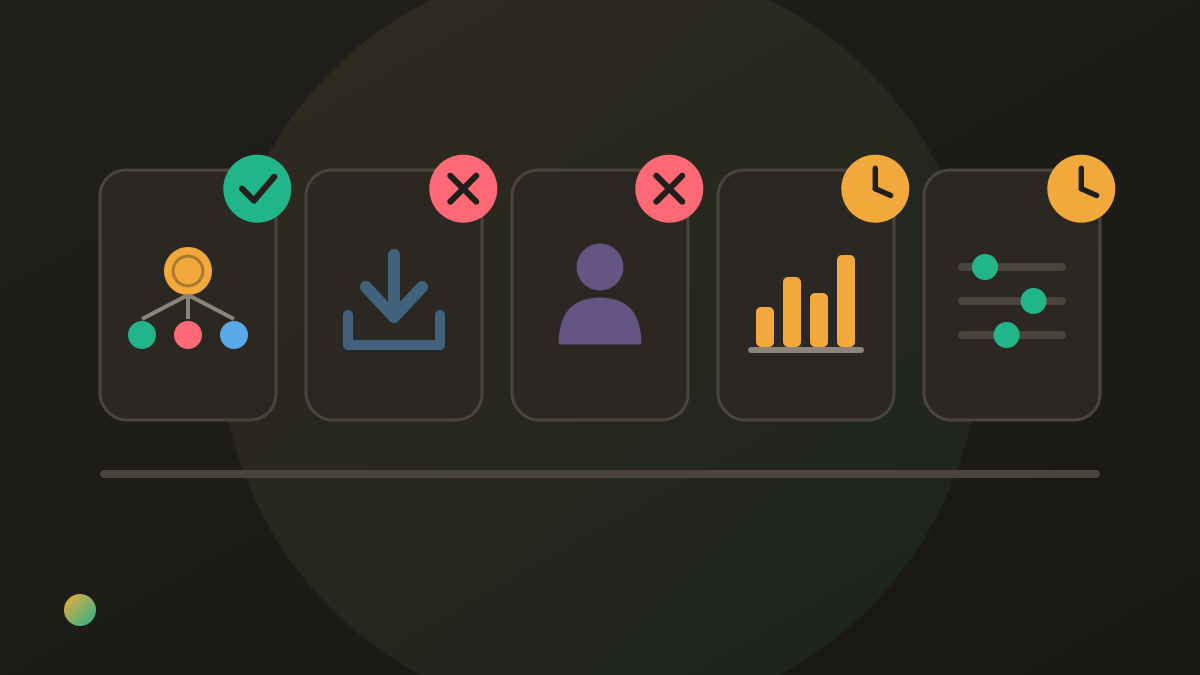
These are the Premium features Tricount lists as no longer available in the new app:
- Export to CSV and PDF. The in-app export of a tricount is gone.
- Personal mode. Tracking your own spending outside a shared tricount.
- Sorting expenses. Listed in Tricount’s FAQ among the removed Premium features.
- Statistics. Marked as planned for a future update.
- Saving a custom split. Also marked as planned for a future update.
Two of those are worth reading carefully. “Custom split” here means saving a split pattern to reuse; dividing an expense unevenly is still part of the app. And on statistics, tricount.com now describes spending insights for your own spending and the group total, so look in your current version before assuming nothing is there.
What did not change
The core of the app is untouched, according to Tricount’s own pages. It still presents itself as free, with no ads and no limits, and states there is no daily expense cap, so the change took away paid extras rather than adding a free limit. You can still try it without signing up, add expenses offline, use more than one currency, split unevenly, and get a list of reimbursements that keeps the number of payments low. Its site also advertises importing groups from Splitwise.
If you are new to it, what Tricount is and how it works covers the basics; nothing in it depended on Premium.
Who is actually affected
For a group that logs a trip, shares the link and settles at the end, very little changed. The people who feel it are narrower:
- Anyone who exported for records. A flatshare that sent a yearly PDF to a landlord, a club treasurer who handed a CSV to the committee, someone claiming back work costs.
- Personal-mode users. People who used Tricount as a personal spending log alongside their groups.
- Statistics users. Anyone who checked where a trip’s money went by category.
- People with saved splits. A household that reused the same uneven split every week now sets it per expense.
Getting a Tricount export now
The export has not disappeared entirely; it moved from a button to a request. Tricount’s FAQ says to contact its support team if you want a tricount exported, and gives the address there. Two practical points. The FAQ names the formats as CSV or “ODF” while the list of removed features says CSV and PDF, so say which format you need. And ask before you need it: a request to support takes longer than a tap.
Your options
1. Stay, and change nothing. If you never used Premium, the new app does what the old one did for you. This is the right answer for most groups.
2. Stay on the old version by turning off auto-updates. This is Tricount’s own suggestion for people who want to keep Premium. It works, with trade-offs: an app frozen at one version stops receiving fixes and new features, and you are relying on it to keep working for as long as you need it. Treat it as a bridge, not a plan.
3. Stay, and ask support for an export when you need one. Reasonable if export was an occasional need, such as a once-a-year summary.
4. Switch apps. Reasonable if the removed feature was central to how you use it. The method is the same whichever app you leave: settle the balances in Tricount while everyone still has it, recreate only the groups that are still running, and if a balance cannot be settled yet, carry it across as the new group’s first expense, paid by the person who is owed and split among those who owe. How to switch from Splitwise walks through it step by step, and every step applies to Tricount unchanged.
What you lost, and where else to find it
| Removed from Tricount | In Tricount now | In Donget | Elsewhere |
|---|---|---|---|
| Export to CSV / PDF | On request to support | No export | A spreadsheet; Splid offers a PDF summary and sells Excel export |
| Personal mode | Not available | Not available: groups only | A spreadsheet or a budgeting app |
| Statistics | Planned; site mentions spending insights | Insights per group | Splitwise charts, on Pro |
| Saving a custom split | Planned | Not available; choose the split per expense | — |
| Sorting expenses | Not available | Filters → Sort | — |
If export and personal tracking were the point, the honest answer is a spreadsheet: splitting expenses in a spreadsheet gives you a template and shows where it stops working. If you are comparing apps rather than features, Tricount alternatives compared and Splitwise vs Tricount go app by app.
Where Donget comes in
Donget covers some of this list and not the rest, so it helps to be exact. In each group, Insights shows Total spent, Spending by category, Spending over time, Who paid and Money flow. The expense list has Filters, with a Sort by newest, oldest, highest or lowest amount. An expense splits by Equal, Amount, Percentage or Multiplier, chosen per expense; there are no saved split presets. Scan receipt reads a bill with AI so each person can Claim a share of the items they had. Every expense can be in its own currency against the group’s base currency, and you can add expenses and settle up offline; it syncs when you are back online. It is free, with no ads and no daily cap.
Where it loses: Donget has no export of any kind and no personal mode, so it does not replace either of the two biggest removals. There is no web app, the network is smaller than Tricount’s, and beyond a guest mode limited to two groups you sign in with Google, Apple (on iPhone) or an email code. For trip groups, apps to split travel expenses, compared weighs Donget against the rest.
Frequently asked questions
What are the Tricount changes?
Tricount discontinued Premium with its new app. Export to CSV and PDF, personal mode and sorting expenses went with it; statistics and saving a custom split are listed as planned for a future update. Splitting itself remains free.
What happened to Tricount Premium?
It was discontinued with the new app. Former subscribers were offered six months of bunq Pro free, and the help centre explains how to request a refund through Apple or Google Play.
Can I still export a tricount?
Not from inside the app. Tricount’s help centre says you can ask its support team for an export; check there for the current contact address and formats.
Is there a free limit in Tricount now?
Tricount presents itself as free with no ads and no limits, and says there is no daily expense cap. The change removed paid features rather than adding a cap.
Can I keep the old Tricount app with Premium?
Tricount’s own advice is to turn off automatic app updates. That freezes the app as it is, which also means no fixes or new features from then on.
Does Donget have the features Tricount removed?
Partly. Donget has per-group Insights and sorting of expenses, but no export and no personal mode. If export or personal tracking is what you need, a spreadsheet covers it better.
The bottom line
The Tricount changes took away the paid extras, not the free app. If you never used Premium, nothing you depend on moved. If you relied on export, ask support for one and keep a spreadsheet alongside; if statistics or sorting mattered more, any app that has them is a reasonable home, and the settle-first method gets you there without losing a balance.
Download Donget free if per-group insights, receipt scanning and offline entry are what your group needs next.