Best apps to split bills with roommates (free options compared)
An app to split bills with roommates should log a whole month with no cap, handles unequal rooms and settles in a few transfers. Six free options for a shared home compared, with where each falls short.
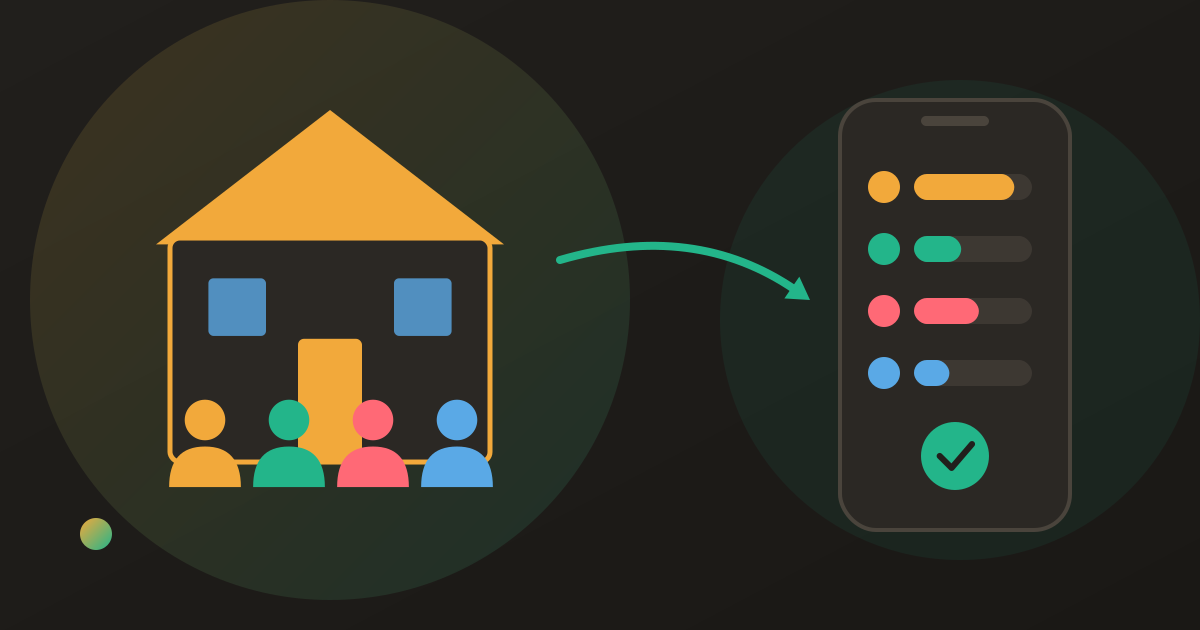
Four people, one lease, and a group chat that has turned into a ledger: a screenshot of the power bill, a photo of a grocery receipt, someone asking who paid for the internet in March. You want an app so the house stops doing maths in the kitchen, and every store listing promises the same thing.
A house is a harder job than a weekend away. A trip lasts a week; a flatshare runs for years, with rent every month, bills that change, rooms that are not the same size and people who move in and out. The best app to split bills with roommates is the one your whole house keeps using for months: no daily expense cap, percentage or share splits for unequal rooms, one balance everyone can see, and a monthly settle-up in the fewest transfers. Ads, automatic rent and how people join and leave decide the rest.
What a house share bills app has to do that a trip app doesn’t
No cap on expenses. A household logs a lot: rent, power, water, internet, and a grocery run or two a week. That is thirty-odd entries a month, several of them on the day the bills land. An app that meters expenses per day turns the first of the month into a queue.
Splits that are not equal. Rooms differ, so rent rarely splits evenly while the internet usually does. You want percentage or share splits per expense, not one rule for the whole house. How to split rent when the rooms aren’t equal works out the ratio.
One balance everyone sees. The point is that nobody keeps the tally in their head. Every roommate opens the same list and the same net figure.
A monthly settle-up in the fewest transfers. A month of mixed bills should close in a handful of payments, not one per expense.
Notifications. When someone adds the power bill, the others should find out without a message in the chat.
People joining and leaving. A new roommate should join by link; a leaving one should settle before going. When a roommate moves out covers that handover.
Ads and repeating rent. Ads are a cost you pay every time you open the app, which here means most days. And rent is identical every month, so an app that repeats it automatically saves a step.
The best apps to split bills with roommates at a glance (checked October 2026)
| Donget | Splitwise (free) | Tricount | Settle Up | Splid | Splitser | |
|---|---|---|---|---|---|---|
| Unlimited expenses | Yes | 4 a day | Yes | Yes | Yes | Yes |
| Ads | None | Yes | None, per its site | Some | None | Yes, removable for a fee |
| Repeats rent automatically | No | Yes | Not confirmed | Premium only | Not confirmed | Yes |
| Percentage or share splits | Yes | Yes | Yes | Yes | Yes | Yes |
| Receipt scanning | AI, free | Pro only | No | Photo only | No | No |
| Account needed | Guest mode for 2 groups | Yes | No | Yes | No | Yes |
“Not confirmed” means we found no statement on the app’s own site either way. Recurring expenses were checked on Splitwise’s App Store listing, Splitser’s support pages and Settle Up’s App Store listing.
The six apps for a shared home
Donget
Best for: a house that wants the whole job free, with unequal splits and a clean monthly settle-up.
Unlimited expenses, no ads, no paid tier. Rent goes in with Percentage or Multiplier, bills with Equal, and the weekly shop through Scan receipt, where each roommate taps Claim a share on their own items. Group activity triggers notifications, and expenses can be added offline.
Where it falls short: no recurring expenses, so rent is added again each month. No export and no web app, and a far smaller network than Splitwise’s.
Splitwise
Best for: a house that is already on it and either stays under the free limit or pays for Pro.
The largest network and a mature web app. It also has recurring expenses: its App Store listing lists weekly, fortnightly, monthly and yearly repeats, so rent posts itself.
Where it falls short: the free plan allows up to four expenses a day and shows ads; receipt scanning, itemized splitting and currency conversion sit in Pro at $4.99 a month. Five free Splitwise alternatives compares the options for groups leaving Splitwise.
Tricount
Best for: a simple house share where nobody wants to make an account.
Free with no cap, you can start without an account, others join by link, and its site describes it as free with no ads.
Where it falls short: no receipt scanning and no item-by-item split. Since the new app replaced tricount Premium, CSV and PDF export are no longer in the app; what changed in Tricount has the detail.
Settle Up
Best for: a house that wants rent to repeat and likes logging by voice.
Solid balances and optimised settlements, voice entry, and recurring and future expenses that its App Store listing pitches at rent and utility bills.
Where it falls short: the free version shows some ads, a receipt photo can be attached but nothing reads it, and everyone needs an account. Recurring expenses are a Premium feature.
Splid
Best for: a short sublet, or a house that refuses accounts.
No sign-up at all: share a code and everyone joins. Free, no ads, multi-currency.
Where it falls short: sync is code-based, and without accounts there is no clean recovery if a phone is lost, which matters more in a house you share for years than on a trip. No receipt scanning or item split.
Splitser
Best for: households in the Netherlands or Belgium.
Free with ads (an ad-free upgrade is sold), recurring expenses, and roommates can pay each other inside the app through iDEAL | Wero or Bancontact (check its current fees).
Where it falls short: no receipt scanning, only partial item-by-item splitting, and a narrower language range.
A month in a four-person house
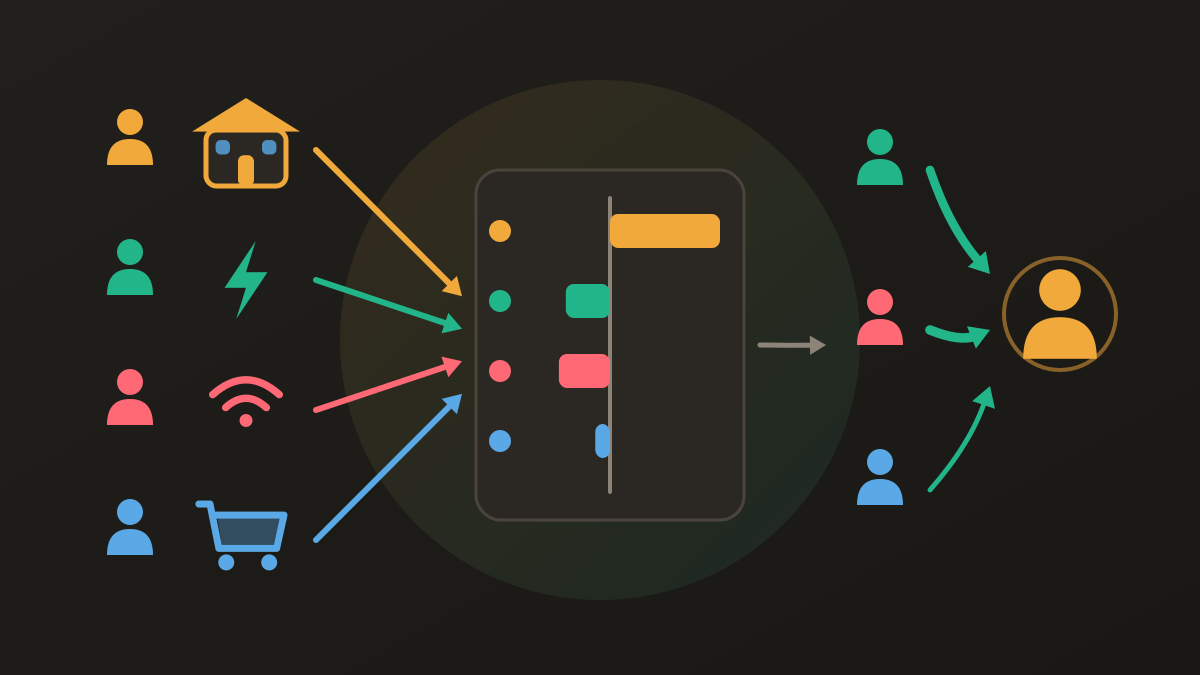
Ana, Ben, Chloe and Dev share a four-bedroom flat. Rent is €2,000, split by room at 30/25/25/20 percent: Ana €600, Ben and Chloe €500 each, Dev €400. Everything else is split equally.
| Expense | Paid by | Amount | Each pays |
|---|---|---|---|
| Rent | Ana | €2,000 | €600 / €500 / €500 / €400 |
| Power | Ben | €120 | €30 |
| Internet | Chloe | €40 | €10 |
| Groceries (the month’s shops) | Dev | €360 | €90 |
Over the month the house spent €2,520. Ana’s share is €730, Ben’s €630, Chloe’s €630 and Dev’s €530. Against what each paid, Ana is owed €1,270, Ben owes €510, Chloe €590 and Dev €170; the four nets sum to zero.
Repaid expense by expense, that is twelve separate debts between pairs of roommates. Netted, it is three transfers: Chloe pays Ana €590, Ben pays Ana €510, Dev pays Ana €170. This is the job a roommate app is for, whichever one you pick, and how to split utility bills with roommates covers the rules behind each line.
Which roommate bill splitting app for which household
The house that will forget rent. If nobody will log it on the first, pick an app that repeats it: Splitwise, Splitser, or Settle Up on Premium.
Unequal rooms and a big weekly shop. Percentage splits for rent plus receipt scanning for the shop point to Donget, which includes both free.
Nobody wants an account. Tricount or Splid, accepting the recovery trade-off over a long tenancy.
Already on Splitwise, at a desk. Stay if the free limit holds or Pro is worth it to you; the web app is a real advantage.
A Dutch or Belgian house. Splitser, for paying each other inside the app.
For the same apps judged for trips and couples as well, see expense splitting apps compared.
Where Donget comes in
Donget fits the house that wants unlimited logging, unequal splits and receipt scanning without a paid tier. One group holds the flat; Paid by records who fronted each bill; Settle up turns the month into the fewest transfers, and Paid records each one. A newcomer joins from a shared invite link or Scan QR code, and Leave group asks anyone with an outstanding balance to settle up first. The trade-off is plain: rent is re-added each month, and there is no export or web app.
Frequently asked questions
What is the best app to split bills with roommates?
The one your whole house will keep using: no daily expense cap, percentage or share splits for unequal rooms, one shared balance and a monthly settle-up in the fewest transfers. Splitwise and Splitser can also repeat rent automatically, and Settle Up can on Premium.
Is there a free app to split rent and utilities?
Yes. Donget, Tricount, Settle Up, Splid and Splitser let a household log as many expenses as it needs at no cost. Splitwise’s free plan allows up to four a day and shows ads.
Which roommate bill splitting app can repeat rent every month?
Splitwise and Splitser describe recurring expenses on their own pages, and Settle Up offers them on Premium. Donget does not: rent is added again each month.
How do you split rent for rooms of different sizes in an app?
Use a percentage or share split. Agree the ratio once, apply it to the rent each month, and keep bills and groceries equal.
What happens in the app when a roommate moves out?
Settle their balance first, then they leave the group. In Donget a member cannot leave while they still have an outstanding balance.
Does everyone in the house need to install the app?
Ideally yes, so each person adds what they paid. Tricount and Splid can start without an account, and Donget has a guest mode for up to two groups.
The bottom line
For a shared home, the deciding rows are the cap, unequal splits and how the month settles; recurring rent and ads come next. Five of the six apps log a whole house’s month for free, and each falls short somewhere, Donget included. Pick the row your household would miss in month three.
Download Donget free and put the flat’s rent, bills and shopping in one group that settles in the fewest transfers.