The Splitwise free limit, explained (2026)
How many expenses does Splitwise's free plan actually allow? A plain-English explanation of the Splitwise daily limit, what still costs nothing, and how to keep splitting without a cap.
If you’ve reached for Splitwise on a busy day and been told you can’t add another expense, you’ve met the Splitwise free limit. This guide explains what that limit is, what still costs nothing, and how to keep splitting without hitting a wall — in plain English, no upsell.
What is the Splitwise free limit?
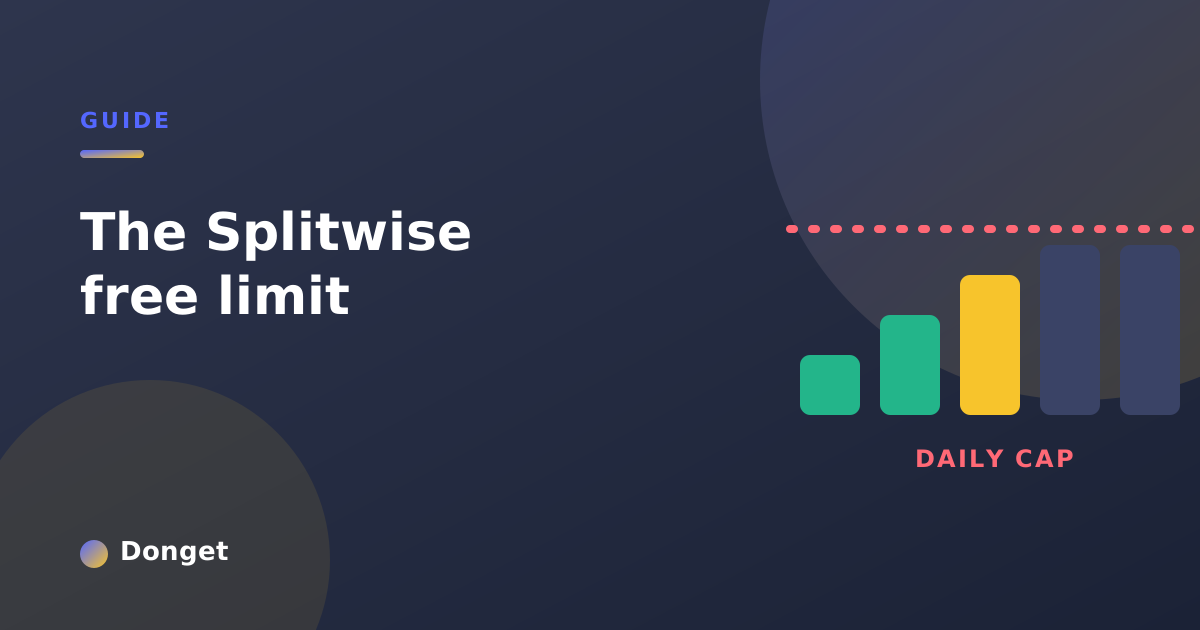
Splitwise’s free plan caps how many new expenses you can add per day. Log a few, and the app lets you keep going; log too many, and it stops you and suggests upgrading to Pro or waiting until tomorrow.
The exact number has shifted over time, and Splitwise doesn’t always advertise it up front — but the shape of it is consistent: logging expenses is the whole point of the app, and the free plan meters exactly that. It’s not a limit on some advanced extra; it’s a limit on the core action.
That’s what makes it frustrating. You don’t notice it on a quiet week. You hit it on precisely the day you have the most to enter — a travel day, a group dinner, a weekend away where ten things get bought before lunch.
Is Splitwise still free in 2026?
Yes — there’s still a free tier. But “free” now means free to start, with limits:
- A daily cap on adding expenses.
- Ads on the free plan.
- Several everyday features reserved for Splitwise Pro, the paid subscription.
So it’s accurate to say Splitwise is free, and equally accurate to say it isn’t free without limits. For the full picture of what sits behind the paywall, see Splitwise free vs paid: what you give up.
What counts toward the limit
The cap is about new expenses added per day. A few things worth knowing:
- Your existing data isn’t deleted. Hitting the limit doesn’t touch expenses you’ve already logged — you simply can’t add more until it resets.
- It resets daily. The next day, you can add again. Helpful in theory; unhelpful when you needed to log everything from one big evening.
- Editing vs adding. The friction is on adding new expenses, which is exactly the moment you’re standing at the till trying to record what just happened.
What happens when you hit it
When you reach the cap, Splitwise blocks further additions for the day and prompts you to upgrade or wait. If you’re mid-trip with a group waiting on you, neither option is great. We wrote a separate, practical walkthrough for that exact moment: what to do when you hit Splitwise’s daily limit.
How to split without a daily cap
There are two honest ways out:
- Upgrade to Splitwise Pro. If you’re happy to pay a subscription to remove the limit and the ads, that’s the in-app route.
- Use an app with no daily limit. If a cap on logging expenses feels backwards to you — it is — an alternative that never meters the core action solves it for free.
That second path is why free Splitwise alternatives exist, and it’s exactly what Donget was built for:
- No daily limit on expenses — add as many as your day needs.
- Free AI receipt scanning — snap a receipt, get the expense, no Pro tier.
- Multi-currency and five ways to split every expense.
- Smart settle-up, no ads, and 10 languages with full right-to-left support.
For a feature-by-feature look, see the Donget vs Splitwise comparison.
Frequently asked questions
How many expenses can you add on Splitwise for free?
The free plan allows only a handful of new expenses per day before asking you to wait or upgrade. The precise number has changed over time, but the daily cap on logging expenses is the constant.
Is Splitwise still free in 2026?
There’s still a free tier, but it’s limited — a daily cap, ads, and Pro-only features. Free to start, not free without limits.
What happens when you hit the Splitwise daily limit?
Splitwise blocks new expenses for the rest of the day and prompts you to upgrade or wait. Existing expenses are unaffected.
How do I avoid the Splitwise expense limit?
Upgrade to Pro, or switch to an app with no daily cap. Donget lets you add unlimited expenses for free.
Does the Splitwise limit reset each day?
Yes, it’s a daily cap that resets the next day — little help when you need to log a whole evening at once.
The bottom line
The Splitwise free limit isn’t a bug; it’s the nudge toward Pro. That’s a fair business model — but if you’d rather not be metered on the one thing an expense app is for, you don’t have to be. Download Donget free and log as many expenses as your day needs, with no daily wall and no ads.