Do bill-splitting apps need your bank account? What each type actually asks for
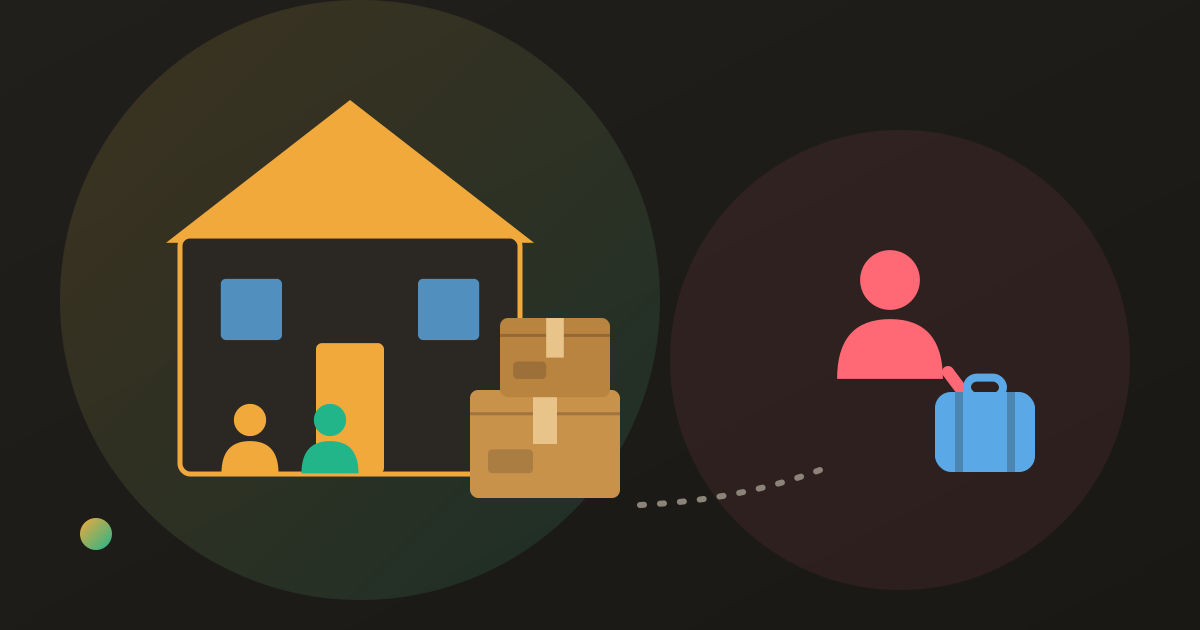
Splitting apps come in two kinds: ones that only keep a record, and ones that also move money. Which one you have decides whether you are asked for a bank account, an ID, or a fee.
The question comes up the moment an app asks for more than a name: does this thing need my bank account, and what happens if I say no? It is a fair question to ask of anything that has the word money near it, and the honest answer depends entirely on which of two jobs the app is doing.
Almost every app in this category does the first job. Some also do the second. The first job needs nothing financial about you; the second one needs quite a lot.
Two different products wearing the same name
A ledger records shared expenses and works out balances. It stores amounts, who paid, and who each expense was for. It never has custody of money, so it has nothing to verify and nothing to charge you for moving. This is what “bill splitting” means on its own.
A payment service actually transfers funds between people. To do that it needs a way to take money from one account and put it in another, which means bank details or a card, and it means being a regulated financial service. That regulation is where identity checks come from.
Plenty of apps bolt the second onto the first, usually as an optional button next to a balance. The button is convenient. It is also the entire reason the app’s sign-up asks for things a ledger would never need.
What each one asks for
| Ledger only | Ledger with payments | |
|---|---|---|
| Bank account or card | not needed | required to send or receive |
| Identity or tax documents | not needed | commonly required before money moves |
| Fee | none for the arithmetic | may apply per transfer, set by the payment provider |
| What it can see | expenses you type in | expenses, plus a record of the transfers it processed |
| If you decline | everything still works | the balance still works; you pay outside the app |
That last row is the useful one. Declining the payment step almost never breaks the splitting — it just means you settle the way people settled before the button existed: a transfer, cash, or whatever your friends already use, then mark it paid.
Why an app would want your tax number
This is the question that reads as most alarming and has the dullest answer. A service that holds or moves other people’s money is a payment service, and payment services are required to know who their customers are. In the United States that check usually includes a Social Security number; elsewhere it is an equivalent identity document. It is the same paperwork a bank asks for, for the same reason.
Two things follow. First, the request is not evidence that something is wrong. Second, it is evidence that you are being signed up for a financial product, not a calculator — so it deserves the attention you would give a financial product, and none of it is required to split a dinner bill.
Does it cost anything?
Separate the two halves and the pricing stops being confusing.
The splitting is where subscription tiers live. Splitwise, for example, is free to split with a cap of four expenses a day and ads between screens, and puts receipt scanning and currency conversion behind a $4.99/month Pro tier. That has nothing to do with payments — you can pay nothing and never see a fee, you will just meet the cap. What the free plan gives up goes through it in detail.
The moving of money is priced by whoever moves it, not by the splitting app, and it varies by country and payment method. If a per-transfer charge appears at the point of settling, that is the payment provider’s, and the way to avoid it is to settle the way you already would.
What to check before you connect anything
Four questions, in order. They apply to any app, including ours.
- What is this connection for? If the answer is “so we can also send the money”, you can usually skip it and keep the splitting.
- Who processes the payment? A splitting app almost never processes payments itself. Find the name of the provider that does.
- What is the charge, and who is charged? Sender, receiver, per transfer or per month — it should be stated before you connect, not after.
- How do you disconnect and delete? If removing the connection and deleting the account is hard to find in the app, treat that as the answer to the whole question.
Where Donget comes in
Donget is a ledger, deliberately. It has no payment rail, so it never asks for a bank account, a card or an identity document, and there is no per-transfer charge to avoid. You sign in with Google or Apple — there is no Donget password to leak — and the app’s job is the record.
When a debt is cleared you tap Record a transfer and the Balances tab updates. The money went wherever your group already sends money. A group’s expenses and balances are visible only to its members, you can export your data, and you can delete your account and the personal data tied to it from the app’s settings. Splitting is free with no daily cap and no ads, and Scan receipt with AI is included rather than sold, so there is no upgrade path that ends at a financial product either.
Frequently asked questions
Does a bill-splitting app need my bank account?
Only if it also moves the money. An app that just records who owes what needs no bank details at all — you pay each other the way you already do, and mark it settled.
Why does a splitting app ask for my ID or tax number?
Because a service that holds or transfers money on your behalf is a regulated payment service, and regulated payment services have to verify who their customers are. The splitting half of the app never needs that; the payment half does.
Does Splitwise charge a fee?
Splitting expenses is free, with a cap of four expenses a day, ads, and a $4.99/month Pro tier for receipt scanning and currency conversion. Any charge for moving money is separate from that and belongs to the payment provider.
Is it safe to connect a bank account to an app like this?
Judge it by what the app needs the connection for. If splitting is all you want, an app that never asks is the smaller risk, because data you were never asked for cannot leak.
Can I use a splitting app and still pay by cash or bank transfer?
Yes, and most groups do. Record the payment in the app afterwards so the balance matches reality; the app is the record, not the till.
What should I check before connecting anything financial?
What data is collected, who processes the payment, what the charge is, and how you delete the connection and the account. If any of the four is hard to find, that is your answer.
The bottom line
Splitting a bill is arithmetic, and arithmetic does not need your bank account. If an app asks, it is because it wants to do a second job as well — one worth saying yes to only if you actually want it. What an expense app can see is the companion question, and it has a similarly plain answer.
Download Donget free and keep the ledger without handing over anything financial.