Splitting expenses offline: what works with no signal (and what doesn't)
An expense splitting app offline can still log costs and work out balances, then sync when you reconnect. Inviting, joining and exchange-rate suggestions need a connection, so set up before you lose signal.

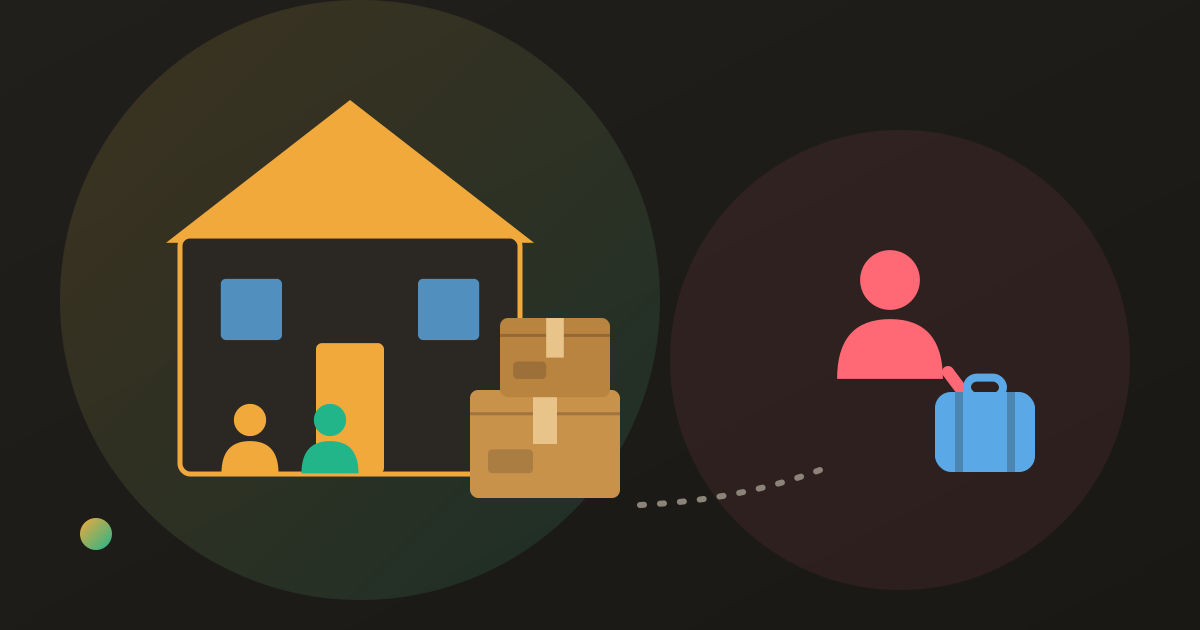
The hut has no signal, the ferry Wi-Fi is down, or you have switched roaming off to avoid the bill. Meanwhile someone has just paid for dinner for four, and the only record is a note nobody will look at again.
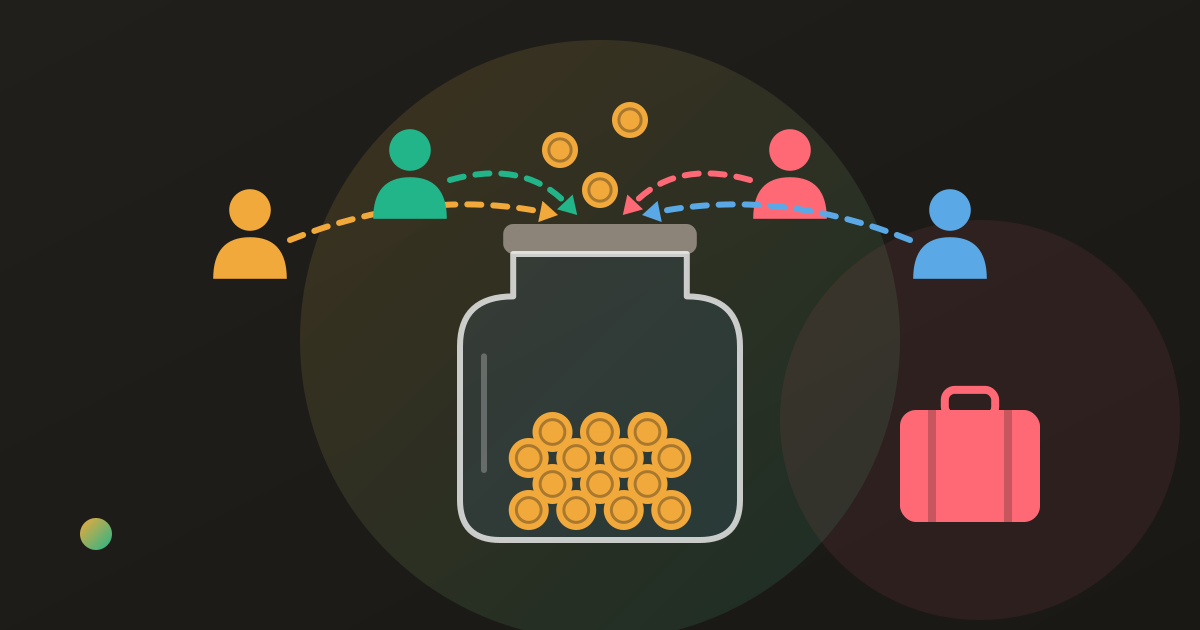
Most group splitting apps can record that dinner anyway. An expense splitting app offline can still log costs and update balances on the phone, then sync them when you reconnect. What usually needs a connection is getting people into the group, exchange-rate suggestions and AI receipt scanning. Set the group up before you lose signal.
What offline means in an expense splitting app
A group splitting app does two separate things: it records expenses on your phone, and it shares them with everyone else’s phone. Offline, only the first one happens.
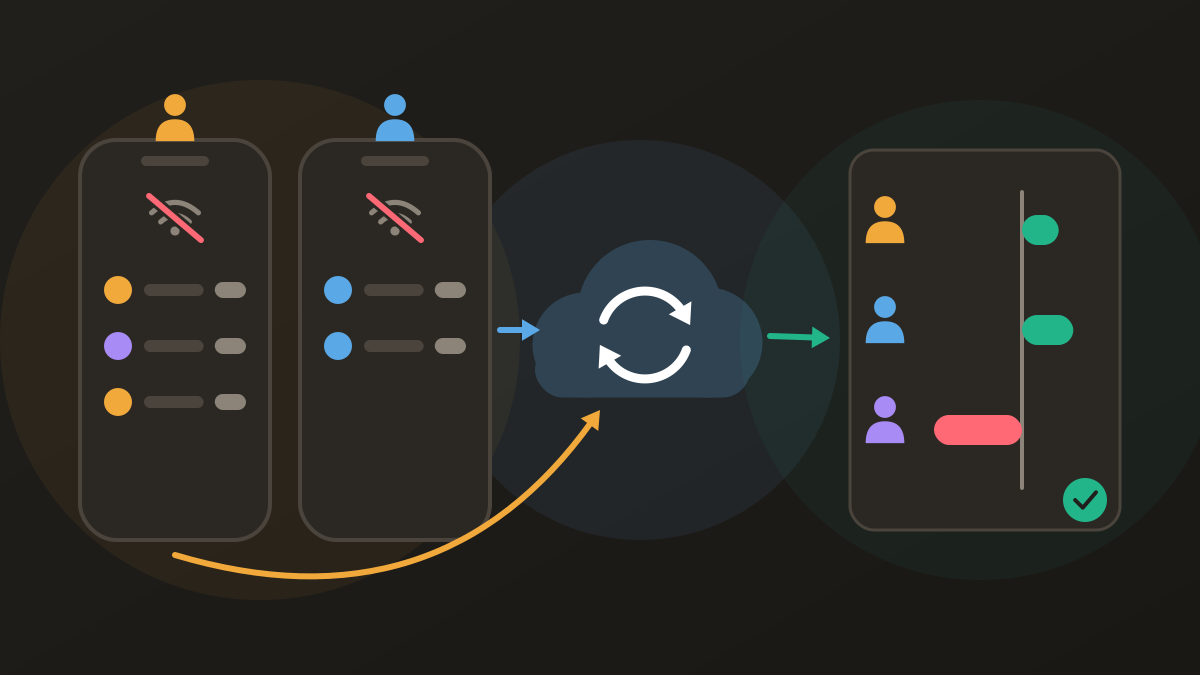
Each phone keeps its own copy of the group. When you add an expense with no connection, it is saved on your phone straight away, and the balances you see include it. When the phone reconnects, it sends what you added and receives what everyone else added. Until then, each phone shows only part of the trip.
That has two consequences. Separate expenses never conflict. If one person logs the train tickets and another logs the dinner, both simply land in the group after syncing. Edits to the same expense can. If two people change the same expense while apart, an app has to pick one. In Donget, the later edit is the one that counts.
What needs a connection
Logging an expense needs no network, but a few things in a group app usually do.
Inviting and joining. An invite link has to be issued by a server, and joining a group means the server has to add you to it. In Donget, a group created offline is saved on the phone, and its invite link and QR code are ready to share once you are back online. Joining also needs a connection.
Exchange-rate suggestions. Donget prefills a rate when you add an expense in another currency, and that suggestion is fetched online. Offline, the field is left empty for you to fill in yourself, from the receipt, a card statement or the rate a cash machine gave you. The rate you enter is the one stored on the expense. Splitting bills across currencies explains why a fixed rate per expense is fair.
AI receipt scanning. Reading the receipt happens on a server. Offline, Donget saves the photo and marks it “Queued — will scan when back online”, so you can photograph the receipt now and check the items later. How AI receipt scanning saves you time covers what the scan does.
Splitwise offline, and the other apps
If you are picking an offline trip expense app, these are the claims each app makes about itself, not our field tests, so check before you travel by adding a test expense in airplane mode. For a wider look at trip apps, see the apps that suit splitting travel expenses.
| App | Offline, by its own description | Where it wins | Where it loses |
|---|---|---|---|
| Splitwise | ”Support for offline entry” (App Store listing) | A mature web app; many friend groups already use it | Four expenses a day on the free plan; ads on free; receipt scanning and currency conversion need Pro |
| Tricount | Lists offline use as available (tricount.com) | Free, and its site says no ads and no limits; you can start without an account | No AI receipt scanning |
| Splid | Lets you “create an offline group”, or “activate the sync to enter expenses together” (splid.app) | No sign-up and no ads | No AI receipt scanning or itemized splitting |
| Settle Up | ”Works offline and syncs when you’re back” (App Store listing) | Friends can view the balance in a browser from a group link | No AI receipt scanning; receipt photos are a Premium feature |
| Donget | Create groups, add expenses and settle up offline; syncs when back online | AI receipt scan, all features free; offline guest mode | No web app, no export; inviting and joining need a connection |
Checked 2026-10-08. Every app here says it can log expenses offline; few say whether creating a group or adding members works too, so test those before the trip.
A checklist for splitting expenses without internet
Before you lose signal
- Install the app on every phone that will log expenses, and sign in or choose a guest account.
- Create the group and set its currency.
- Send the invite, and make sure everyone has actually joined, not just received the link.
- For anyone who has not joined yet, add them by name so they can be included in splits from the first expense. They can claim that name when they join later.
- Open the app on each phone while you are still online, so every phone has the latest version of the group.
While you are offline
- Log each expense when it happens, on whichever phone is handiest, with the right person under Paid by.
- For a foreign-currency cost, type the rate yourself and keep the receipt.
- Photograph receipts now. Scans and uploads wait for the connection.
When you are back online
- Open the app on every phone that logged something, and wait until the banner saying changes are waiting has gone.
- Check the total against what people remember paying.
- Only then settle up.
The last step matters most, as the example below shows. For deciding how a trip’s costs should be shared in the first place, see the fair way to split a group trip.
A worked example: two phones, one hike
Lena, Tom and Priya spend two days hiking between huts with no signal. Priya’s phone stays switched off to save battery, so Lena and Tom log everything, all split equally among the three of them.
On Lena’s phone: hut beds for the night, €90, paid by Lena; dinner at the hut, €54, paid by Priya; trail snacks, €15, paid by Lena. On Tom’s phone: train tickets, €72, and breakfast with packed lunches, €39, both paid by Tom.
Before syncing, each phone tells a different story. Lena’s phone sees €159 of spending, €53 each, and says Tom owes €53. Tom’s phone sees €111, €37 each, and says Lena and Priya owe him €37 each.
Back in the valley, both phones sync and the group holds all five expenses: €270, or €90 each. Lena paid €105, Tom €111 and Priya €54, so Lena is owed €15, Tom is owed €21 and Priya owes €36. The merged balances are exactly the two phones’ figures added together: Lena €52 − €37 = €15, Tom −€53 + €74 = €21, Priya €1 − €37 = −€36. Priya sends €21 to Tom and €15 to Lena, and everyone is even.
Had they settled from Lena’s phone up on the mountain, Tom would have handed over €53, €52 to Lena and €1 to Priya, when he was actually owed €21.
Where Donget comes in
Donget saves to the phone first and syncs whenever there is a connection. Creating a group, Add expense, adding people by name with Add member and Settle up with Paid all work offline. A banner shows “You’re offline” and how many changes are waiting, and the queue clears on its own when the phone reconnects. Where a connection is unreliable or restricted, the app says your changes are saved on this device rather than failing. A new phone can start with Continue as Guest even with no connection.
It cannot help anyone join without a connection, and it has no web app, so everyone who logs expenses needs the app on their own phone. If some of the group will never install it, one person can keep the record for everyone, as described in splitting expenses without everyone installing an app.
Frequently asked questions
Can an expense splitting app work offline?
Many can log expenses with no connection and sync later, including Donget, Splitwise, Tricount, Splid and Settle Up by their own descriptions. Sending invites and joining usually need a connection.
Does Splitwise work offline?
Its App Store description says it supports offline entry. The details are not set out, so test it in airplane mode before you travel.
How do you split expenses without internet?
Create the group and get everyone into it while you still have signal. Log expenses on any phone as they happen, and sync every phone before anyone settles up.
What happens if two people add expenses offline at the same time?
In Donget, separate expenses add up once both phones sync. If two people edit the same expense while apart, the later edit counts.
Can I join a group while offline?
Not in Donget: opening an invite and joining both need a connection. Members can be added by name first and claim that name later.
Can I use Donget offline without an account?
Yes. Continue as Guest works with no connection, and your groups sync the first time you get online. Guest mode allows up to two groups.
The bottom line
With no signal, a splitting app can still record expenses, but it cannot share them until you reconnect. Get everyone into the group before you leave, log every cost on any phone, and wait until every phone has synced before you settle up.
Download Donget free and set up your trip’s group before the signal drops, so every expense still gets logged.