Best apps for couples to split expenses: choose the record you both need
Compare Splitwise, Tricount and Donget for a couple’s shared costs. Check unequal splits, recurring bills, personal purchases and an exact repayment example.

One of you pays rent, the other picks up groceries and the internet bill. “We both pay for things” is true, but it does not tell you whether the amounts match the arrangement you chose. An expense app can hold that record without turning every personal purchase into a shared one.
Choose a couples expense app around your agreement: which costs are shared, each person’s share and how you will record payments. Splitwise suits recurring entries, Tricount a shared expense ledger, and Donget shared purchases alongside household jobs. Check free-plan limits and paid features, and keep voluntary gifts outside the repayment calculation.
Choose the arrangement before the app
Decide what enters the shared record and how you will divide it. Equal shares, percentages and separate rules for different costs can all be agreements; an app does not decide which one fits your relationship.
Our couples expense-splitting guide describes possible arrangements. The 50/50 discussion looks at the choice of proportions. Here, the question is which tool will let both people check the agreement and the actual payments.
Couples expense apps compared
These suggested uses reflect official information checked on 23 October 2026, rather than results from hands-on testing.
| App | Useful for | Free starting point | Main trade-off |
|---|---|---|---|
| Splitwise | Ongoing records and recurring bills | Up to 4/day for free users | Scanning, currency conversion and saved default splits require Pro |
| Tricount | Recording shared expenses, payers and unequal shares | Free expense tracking | Keep household task ownership in a separate list |
| Donget | Shared purchases and household jobs together | Free expense tracking and shared tasks | No automatically recurring expenses or task scheduling |
You can split bills without a joint account. The record needs to distinguish who initially paid from who agreed to bear the cost, regardless of which account you used.
Splitwise: recurring bills and established records
Splitwise supports equal and unequal allocations, including exact amounts, percentages and shares. Its recurring-expense guidance explains choosing a repeat interval. That can suit an ongoing household record with bills that recur on a predictable schedule.
The trade-off: its Pro help says free users can add up to four expenses each day. Pro includes receipt scanning, currency conversion and saved default splits. The Pro overview also describes setting a group default for partners. Selecting an unequal split on an expense is different from paying for a saved default.
Review recurring entries when the actual bill changes. Repetition creates an entry in the record; it does not mean a variable utility bill has been checked or a bank transfer has happened. If your existing Splitwise record works for both people, changing tools may add work without solving a problem.
Tricount: a shared expense record
Tricount’s official site describes recording expenses, selecting who is included and naming the payer, including for shared homes. Its help centre documents unequal expenses and balances calculated from what people paid and what they owe. That suits a couple who wants a common record of actual shared spending.
The trade-off: an expense ledger still needs an agreed allocation. Check the share on each relevant entry rather than assuming the app knows your household rule. Keep ownership of jobs such as arranging a repair in a separate task list. A gift or a personal purchase should not enter the shared total simply because one of you used the same card for it.
Tricount also advertises an optional bunq Card integration that can add shared expenses as you spend. That is a separate product choice, not a requirement to combine all your banking. This comparison does not assess its eligibility or payment terms. For a closer ledger comparison, see Splitwise versus Tricount.
Donget: purchases and shared household jobs
Donget fits a couple who wants to record costs and also make household jobs visible. The group’s Money side holds expenses; Tasks holds jobs assigned to named people or left Open for somebody to take.
For a task named Shared groceries, completion can offer Spent money on Shared groceries?. Add expense opens the form with the title prefilled only. Enter the amount and review the payer, included people and split. If your agreement for that purchase is 60/40, choose Percent and enter those percentages; check the allocation on each applicable entry.
The trade-off: Donget does not automatically repeat expenses, schedule tasks or send automatic task reminders. Add each actual bill yourself. It does not connect to your bank or move money between you. Under Settle up, calculate the balance, make the payment separately and record Paid after it happened.
Check an unequal split with a real example
Nora and Eli agree to split three shared costs 60/40: Nora covers 60% and Eli 40%. This is their chosen arrangement, not a recommendation for every couple.
Nora pays €1,050 rent. Eli pays €210 for agreed shared groceries and €40 for the internet. The shared total is €1,300. Nora’s share is €780 and Eli’s €520.
| Partner | Paid towards shared costs | Agreed share | Balance before repayment |
|---|---|---|---|
| Nora | €1,050 | €780 | Receives €270 |
| Eli | €250 | €520 | Pays €270 |
Eli sends Nora €270. Nora’s final cost is €1,050 minus €270, or €780. Eli’s is €250 plus €270, or €520. One transfer settles all three shared purchases; repaying half of every receipt would contradict their agreement.
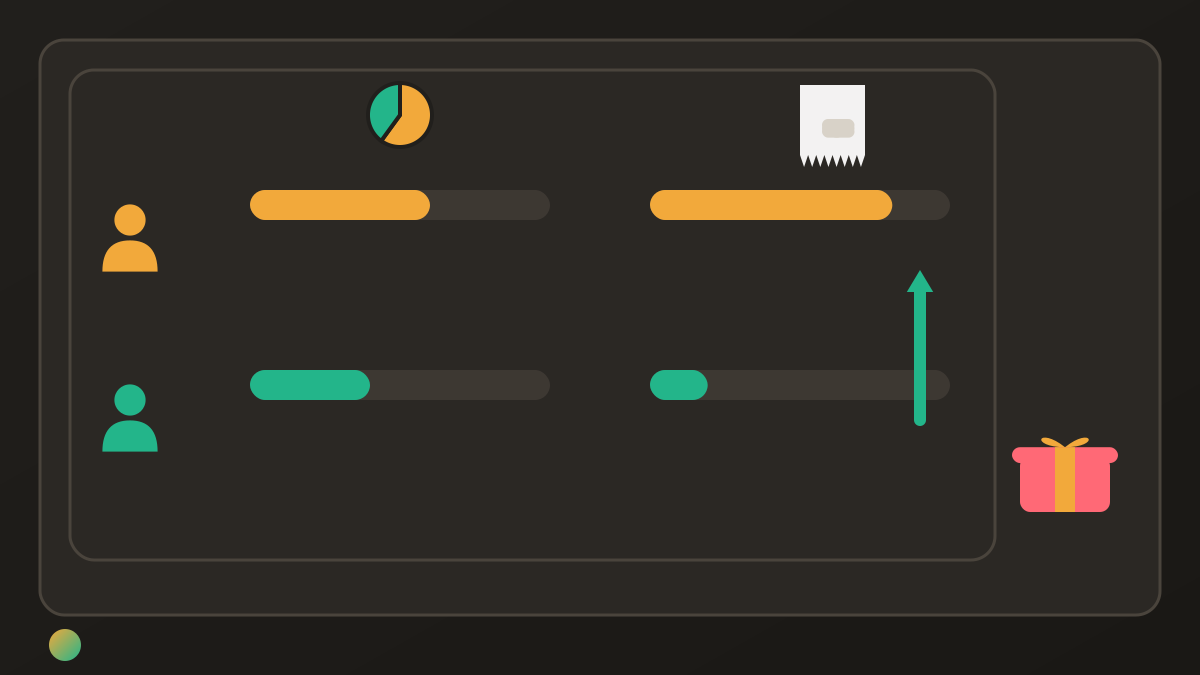
Before settling, check the entries themselves: the rent, groceries and internet must all use the agreed participants and proportions. A correct total cannot repair an expense allocated to the wrong person.
Keep personal purchases and gifts outside the record
Nora also buys Eli a €45 gift, with no repayment expected. It stays outside the €1,300 shared total and does not alter the €270 transfer. Including that gift, Nora’s total outlay is €825; her contribution to the shared costs remains €780.
If they had agreed to buy an item jointly instead, it would be a new shared expense with its own allocation. Use the expense split methods guide when a particular purchase needs a different division. Agree the change before using it to alter the other person’s balance.
Settle the actual balance rather than matching receipts
Choose a time to review the record together. Check for missing bills, duplicate entries and personal items included in a shared shop. Then pay the resulting balance, rather than trying to match one person’s receipt to another’s purchase.
Record a repayment once. It reduces what remains to settle; it is not another shared shopping expense. A suggested transfer is still unpaid until the money moves outside Donget. Keeping that distinction clear matters more than how many categories your app offers.
Frequently asked questions
What is the best app for couples to split expenses?
Choose according to the record you both need. Splitwise supports recurring bills and has paid default-split settings; Tricount provides a shared expense record; Donget combines shared tasks with expenses and settle-up, but has no recurring expenses. An existing system that fits your agreement can be enough.
Can couples use an expense app without a joint account?
Yes. You can record shared costs paid separately, calculate each person’s agreed share and settle the difference. A ledger records the agreement and payments; it does not require you to combine all personal spending or open a joint bank account.
Can these apps handle an unequal split?
Yes, Splitwise and Tricount support unequal expense splitting, and Donget offers amounts, shares and percentages as well as equal splits. Check the participants and allocation for each applicable expense. Choosing a split for one entry is different from saving an automatic default for future entries.
Which option can repeat regular bills?
Splitwise documents recurring expenses with a chosen repeat interval, which you should review when the amount or arrangement changes. Donget does not create recurring expenses automatically; add each actual bill yourself. A repeated ledger entry is not an automatic bank payment.
Should gifts for a partner go in the shared ledger?
A gift with no repayment expected stays outside the shared calculation. If you agree to buy something jointly, record that different arrangement explicitly. Do not treat a voluntary gift as a credit against someone’s share of other bills.
Does Donget transfer the money between partners?
No, Donget calculates and records shared costs and settlements. Make the payment outside the app, check that it happened and then record it as Paid. A suggested settlement is not evidence that money has already moved.
Keep a working record if it already fits
Choose the tool that both of you can use to check the agreement. Keep shared costs, personal purchases and repayments distinct, review changing bills and record the actual settlement. If that already works, there is no need to move your history merely to adopt another app.
Download Donget free and give your shared purchases and household jobs a common record.