Revolut, Monzo and bunq bill splitting vs a separate app
Split a bill with Revolut, Monzo or bunq by matching the tool to the job: one payment request, ongoing group costs, or a ledger across several payment methods.
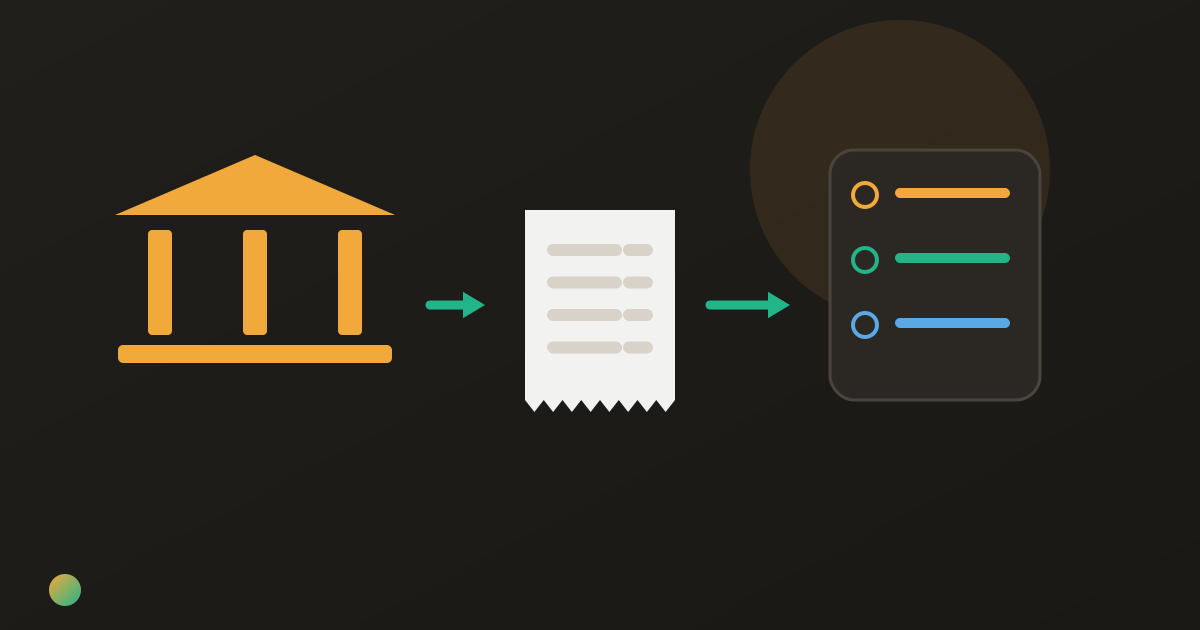
Maya pays for the weekend apartment, Tom buys the food and Jo covers a taxi. Each can find a split button beside a payment. What they need to know at the end, though, is the difference between everything each person paid and everything they agreed to share.
Use a transaction split for a particular payment, and a group ledger for shared costs paid by several people. Revolut and Monzo already offer group workflows, including guests who bank elsewhere; bunq also connects with Tricount. Choose one expense record everyone can check, then distinguish a payment request from money actually received.
A payment request and a group balance do different work
A request can say, “Please send your share of this dinner.” A ledger combines that dinner with the taxi someone else paid for and the groceries a third person bought. It shows the remaining net amounts after all those contributions.
Both can be useful. A one-off purchase may need only a request. A trip with several payers needs a record covering the whole set of agreed costs. A bank-linked group feature can be that record; you do not automatically need a separate app.
This is a comparison of expense workflows, not a recommendation to open or change a bank account. Existing payment arrangements can stay as they are. For the calculation itself, see how to work out who owes whom.
Bank-linked splitting workflows compared
These are narrow capabilities checked against official English product and help pages on 23 October 2026. Revolut references below use its UK help pages, and Monzo is a UK banking product. Availability and access can depend on the account, country and current app; the table does not compare rates, account plans or eligibility.
| Workflow | Useful starting point | What it can cover | What still needs attention |
|---|---|---|---|
| Revolut Group Bills | A group created by a Revolut customer | Group expenses, custom bills and guests without Revolut | Check participants and shares; distinguish recording a repayment from sending it |
| Monzo Split | A Monzo customer starts or invites | Single Splits and ongoing Running Splits, including non-Monzo guests | Choose the correct workflow and check what guests can do |
| bunq payment split | A payment in the bunq app | Requests for each person’s amount | A transaction request alone does not reconcile every other purchase |
| bunq with Tricount | A linked existing bunq account | Bringing bunq payments into a shared expense record | Review the expense and its participants; avoid duplicate entries |
| Separate ledger such as Donget | Agreed expenses entered by the group | Purchases from different payment methods and shared tasks | No bank connection or money movement; record actual payments yourself |
The distinction is not “banks request money, apps calculate”. Some bank-linked features already calculate group balances. The useful question is whether the record includes all the purchases and repayments your group needs.
How to split a bill with Revolut
Revolut’s Group Bills overview describes creating a group from Payments, choosing its currency, then using Add a bill. You can select transactions or create a custom bill and choose how members share it. That makes the feature broader than dividing a single card transaction.
Its invitation guidance confirms that a Revolut customer can invite both Revolut and non-Revolut users through a link or QR code. Do not rule it out on the assumption that every friend must use the same bank.
The limitation to check: joining a group, requesting money and completing a payment are different steps. Review the options available to the particular people involved. A record that says a repayment happened should correspond to an actual repayment, not merely a request you sent.
Monzo Split: one payment or a Running Split
Monzo’s current Split page distinguishes a single payment from ongoing shared costs. Its step-by-step help calls those a Single Split and a Running Split. The latter covers things such as household costs or a group holiday.
The same guidance allows people who are not on Monzo to be added. Its guest help describes joining through a Monzo customer’s invitation. “Shared Tabs” in an older conversation may refer to what Monzo now calls Monzo Split.
The limitation to check: someone using Monzo starts the arrangement, and guest access is not identical to every feature a Monzo customer sees. If several friends are paying, choose an ongoing record rather than assuming separate requests will explain the final group balance. Confirm the available repayment method instead of assuming every guest has the same payment screen.
bunq: a payment split and a Tricount connection
bunq’s split-payment instructions start from a payment in an account and let you enter each person’s amount. Its payments overview also describes requests and payment links. That is useful when one known purchase is what needs sharing.
There is also a bridge to a ledger. Tricount documents linking an existing bunq account and adding bunq payments as expenses, including reviewing the details and who shares the cost. Bank-linked and standalone expense tools therefore need not be opposing choices.
The limitation to check: a real card payment does not tell you who agreed to share it. Review that allocation, and check the current integration’s availability before relying on it. If you already typed the purchase into the shared record, adding it from a payment must not create a second expense.
A worked example: three purchases, two payments
Maya, Tom and Jo agree to share a euro-denominated weekend equally. Maya pays €180 for accommodation, Tom €60 for food and Jo €30 for a taxi. All three participate in all three costs, and no repayments have happened yet.
| Person | Paid towards shared costs | Share of the €270 total | Remaining position |
|---|---|---|---|
| Maya | €180 | €90 | Receives €90 |
| Tom | €60 | €90 | Pays €30 |
| Jo | €30 | €90 | Pays €60 |
Each share is €270 ÷ 3 = €90. Paid minus share gives Maya +€90, Tom −€30 and Jo −€60, totalling zero. Tom pays Maya €30 and Jo pays Maya €60. Those two payments close all balances, and two are necessary because Tom and Jo each have an amount left to pay.
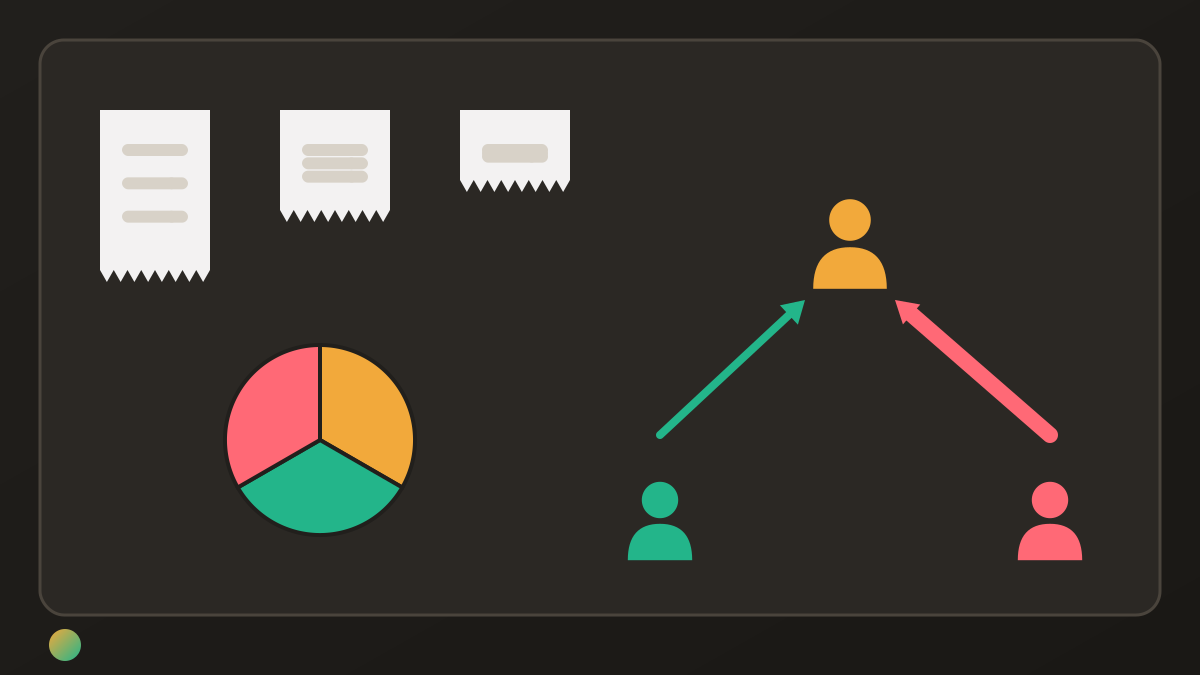
Looking only at Maya’s accommodation payment would miss Tom’s food and Jo’s taxi. A group workflow that contains all three can account for them. The arithmetic does not require changing anyone’s bank or opening a joint account; splitting bills with separate accounts uses the same distinction between payer and share.
Keep purchases and repayments in one record
Choose the authoritative expense list before sending requests. Add each real purchase once, including any cash purchase or payment elsewhere that belongs to the agreed plan. Keep optional activities with their actual participants; planning a group trip starts that agreement before spending.
Then check repayments already received. Tom’s €30 repayment is not another shared purchase. A request for €30 is not evidence that Maya received it. If a request and a ledger both show the same amount, the group still owes it only once.
A familiar bank-linked group may be enough. A separate ledger can be useful when the group wants its expense record organised independently of any person’s banking app. Maintaining two competing balances usually adds work rather than clarity.
Where Donget comes in
In Donget, enter the three purchases with the actual Paid by person and choose Equally for all three friends. Settle up shows the remaining payments. Tom and Jo pay through their usual methods, then use Paid to record what actually happened. A short, specific message can make settling up a routine conversation.
Donget also has shared tasks if the missing piece is who will organise a purchase. It does not connect to your bank, import card transactions or send or hold money. If your existing bank-linked ledger already covers the group’s needs, duplicating its expenses in Donget is unnecessary.
Frequently asked questions
How do I split a bill with Revolut?
Its UK help describes Group Bills: create a group from Payments, add a bill from transactions or as a custom bill, and choose the members’ shares. Check the options available in your own account and app.
Does everyone need Revolut to join Group Bills?
Revolut’s current UK guidance says a customer can invite non-Revolut users too. Joining the group does not mean every participant has identical payment options.
Can I split a bill with someone who is not on Monzo?
Monzo Split supports non-Monzo guests through an invitation from a Monzo customer. Use a Single Split for one payment or a Running Split for ongoing shared costs, checking the access available to guests.
Does bunq work with Tricount?
Tricount documents linking an existing bunq account and bringing bunq payments into an expense record. Review the details, participants and current availability, and avoid adding a purchase that is already recorded.
Is a bank split feature enough for a group trip?
It can be if its group record covers all agreed purchases, actual payers, shares and repayments. One transaction request is a smaller task than reconciling several people’s spending across the trip.
Does Donget transfer the settlement money?
No. Donget records expenses and completed payments, but does not send or hold money or connect to your bank. Pay through your usual method and then record the payment.
Choose the workflow everyone can check
Start with the scope: one transaction or the group’s ongoing costs. Check guest participation and the current features, keep one authoritative ledger, and record money received separately from requests sent. The calculation should describe the agreement, whichever tool holds it.
Download Donget free when your group wants a separate record of shared purchases, tasks and completed repayments.