Best apps for planning a group trip (who does what, who pays)
No single group trip planning app does everything: Wanderlog and TripIt handle itineraries and bookings, Splitwise and Tricount handle the money, Donget handles shared jobs and the money. Six options compared, with what each leaves out.
The trip is agreed, and the planning is scattered across screenshots, booking emails and a thread nobody can search. You look for a group trip planning app and find apps that do completely different things. That is because they do.
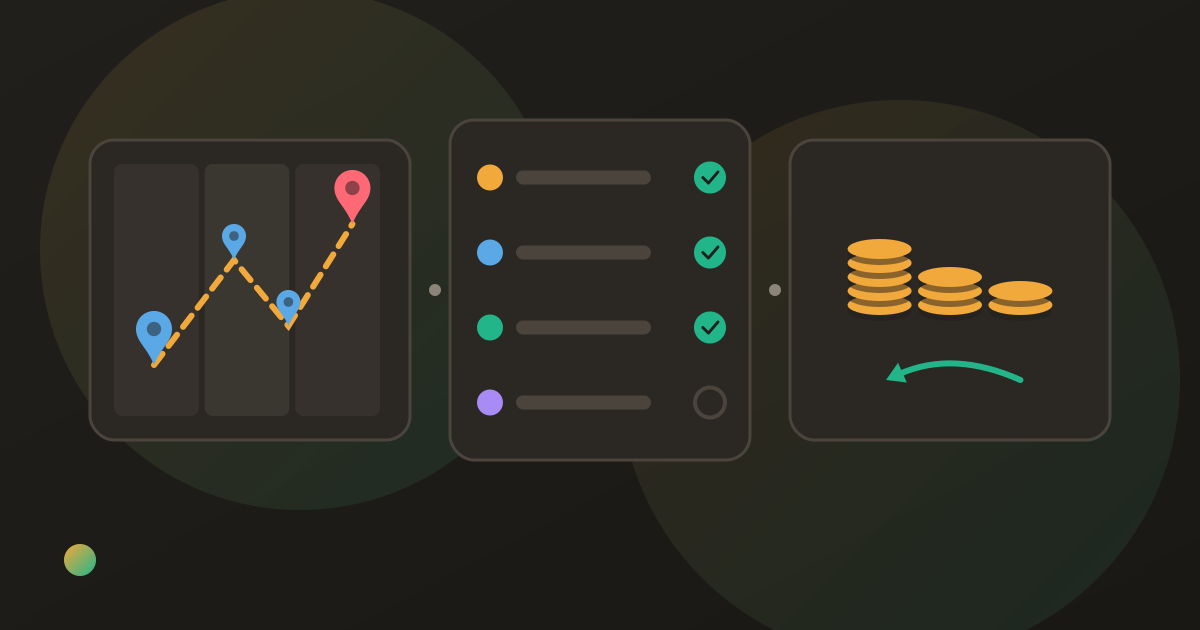
A group trip has three kinds of planning: where you go and when, who does which job, and who pays for what. Most apps are built for one of them. No single group trip planning app covers everything well. Wanderlog and TripIt handle itineraries and bookings; Splitwise and Tricount handle shared costs; Donget handles shared jobs and costs, but not itineraries. Most groups pick one planner and one money app, or start with a shared spreadsheet.
The three jobs of a group trip planning app
Where and when. The itinerary, the map, the flights and the hotel confirmations. This is what most people mean by a trip planner.
Who does what. Booking the stay, bringing the car, buying groceries. A job that belongs to “we” ends up with whoever cares most.
Who pays. The deposit someone fronted in the summer, the fuel, the groceries, the last dinner, and the settle-up at the end.
Few apps are strong on more than one. Knowing which of the three your group struggles with is most of the decision.
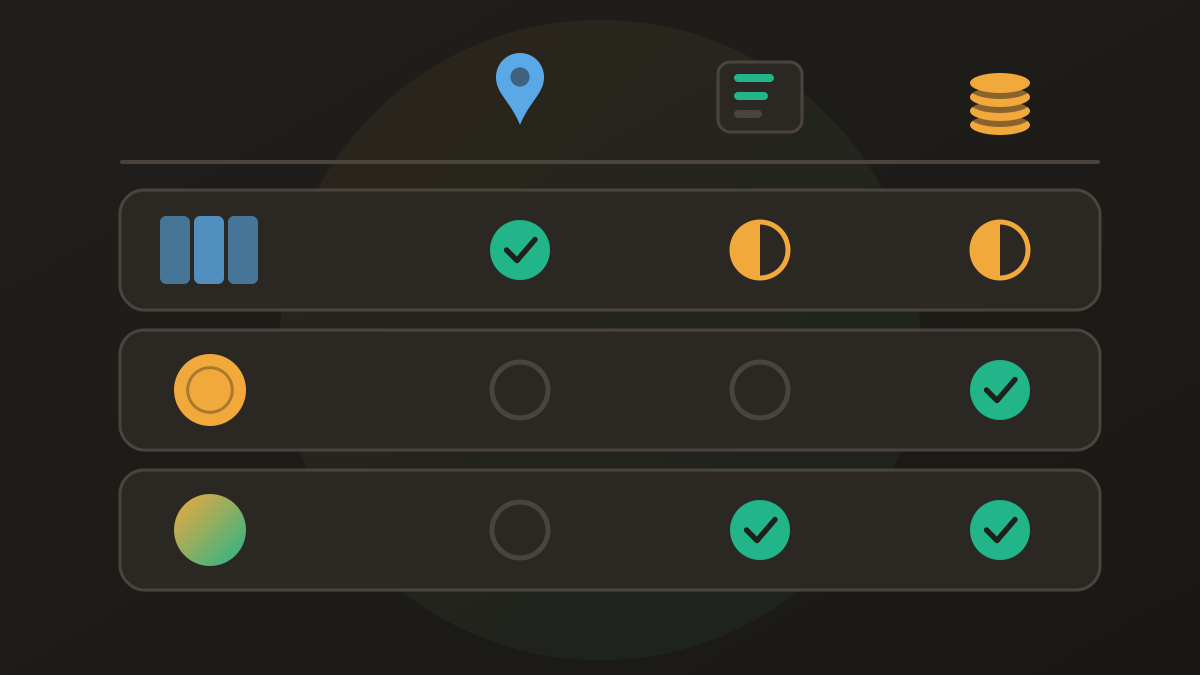
Group trip planning apps compared (as of October 2026)
| Wanderlog | TripIt | Google Sheets | Splitwise | Tricount | Donget | |
|---|---|---|---|---|---|---|
| Itinerary and map | Yes | Itinerary from bookings | Build your own | No | No | No |
| Import bookings by email | Yes | Yes | No | No | No | No |
| Shared jobs with an owner | Lists | Not stated | By hand | No | No | Yes (tasks) |
| Split costs | Yes | Not stated | By formula | Yes | Yes | Yes |
| Fewest-transfers settle-up | Settles debts; method not stated | Not stated | By hand | Yes | Yes | Yes |
| Free plan | Yes | Yes | Yes | 4 expenses a day | Yes, no cap | Yes, no cap |
| Paid tier | Pro (optional) | Pro, $48.99 a year | No | Pro, $4.99 a month | No | No |
| Works offline | Plans stored offline | Bookings offline | With offline access turned on | Offline entry | Yes | Yes |
“Not stated” means the app’s own site and store listing do not describe it, not that it is missing.
The apps, one by one
Wanderlog
Where it wins: it is the closest thing to an all-in-one travel planning app for groups. Its App Store listing describes a free app with an optional Pro subscription for building an itinerary, seeing places on a map, organising flight and hotel reservations and collaborating with friends. It can set a budget for a group and split bills, and plans are stored offline.
Where it loses: the money side is a part of a planner rather than its focus; its listing mentions settling debts between tripmates but does not say whether it keeps the number of transfers down. Some features, such as exporting a trip to Google Maps and linking a Gmail account, are Pro-only. Lists exist, but its listing does not describe giving a job to a named person.
TripIt
Where it wins: bookings. You forward confirmation emails and it builds the itinerary from them, and you can share plans with anyone or sync them to a calendar. Reservation details are available offline. TripIt Pro, listed at $48.99 a year on the App Store, adds flight alerts and other travel-day help.
Where it loses: it is built around one traveller’s bookings, not a group’s decisions. Its listing describes no budget, expense splitting or to-do list, so the jobs and the money live somewhere else.
Google Sheets or a shared doc
Where it wins: free, flexible and familiar. One tab for the itinerary, one for jobs with a name column and checkboxes, one for costs. Splitting expenses in a spreadsheet has a template for the money tab.
Where it loses: everything is manual. The settle-up is as right as the formulas, a sheet is awkward to edit on a phone in a supermarket, and nobody can see at a glance who has not done their job yet.
Splitwise
Where it wins: a mature expense splitter with a web app, a large network of existing users and a settle-up that simplifies debts.
Where it loses: no itinerary and no shared jobs. Its help centre says free users can add up to 4 expenses a day, and receipt scanning and currency conversion are Pro features; Pro is $4.99 a month. A busy travel day can hit the cap; what to do when you hit Splitwise’s daily limit covers the options.
Tricount
Where it wins: a free money app for trips. Its site says it has no ads and no limits, and you can try it without signing up, which helps when friends will not create an account for one weekend.
Where it loses: it tracks money only: no itinerary, no shared jobs, and no receipt scanning or item-by-item split.
Donget
Where it wins: the two parts of a trip that cause arguments, who does what and who pays. Every group has a Money | Tasks switch, so the job list and the expenses sit side by side. Splitting is free with no expense cap and no ads, receipts can be scanned with AI, and costs can be in more than one currency.
Where it loses: Donget does not do itineraries, maps or bookings, so it is not the place for flight times. There is no web app, so everyone uses a phone, and there is no data export. Tasks have no due dates. For the where-and-when, you still need Wanderlog, TripIt or a doc.
A worked example: one weekend, two apps
Ana, Ben and Cleo plan a weekend in the mountains. The itinerary (trailheads, a dinner reservation, the drive times) goes into a planner or a shared doc. The jobs and the money go into a money app.
Ana books the cabin and pays $450. Ben brings the car and pays $90 for fuel. Cleo buys the groceries for $120. That is $660, or $220 each. Ana is owed $230; Ben owes $130 and Cleo owes $100. It settles in two transfers: Ben pays Ana $130 and Cleo pays Ana $100. With one person owed and two owing, two is the minimum.
The planner never needed any of this, and the money app never needed the trailheads. How to plan a group trip with friends walks through the jobs and decisions in order.
Which group trip planning app for which trip
A multi-city trip with flights and hotels. TripIt or Wanderlog for bookings and the itinerary, plus a money app for the costs. Apps to split travel expenses compares the money side in detail.
A weekend at one house, where jobs matter more than the schedule. Donget alone may be enough: tasks for the stay, the car and the groceries, expenses for the costs.
A group that will not install anything. A shared Google Sheet, with a name column for jobs and a tab for costs.
Friends abroad with mixed currencies. A splitting app that includes currencies free: Tricount or Donget, or Splitwise with Pro. Splitting bills across currencies explains how.
A free group trip planning app setup
You can plan a whole group trip without paying for anything. Use Wanderlog’s free plan, TripIt’s free plan or a shared doc for the itinerary, and a free splitting app with no expense cap for the jobs and money. The paid tiers add convenience, not the basics.
Where Donget comes in
Donget covers the part of a group trip that is about people rather than places. Under Tasks, Add task creates a job such as Book the stay or Bring a car; Who takes it? leaves it Open (up for grabs) or gives it to one or more people, including friends added by name who are not on Donget yet. When a job is done, Mark as done, and if it cost money, Spent money on Book the stay? offers Add expense with the title already filled in.
The expenses settle in the usual way: Settle up suggests the fewest transfers, Remind lets you pick a message and send it yourself through your phone’s share sheet, or as a one-off nudge with Send nudge in Donget (once a day per person, never automatic), and Paid records each transfer. Expenses and tasks can be added offline and sync later. Donget books nothing and moves no money; it keeps who did what and who paid what in one place.
Frequently asked questions
What is the best group trip planning app?
It depends on which part of the trip you need help with. Wanderlog covers itineraries, maps and a shared budget; TripIt organises bookings; Splitwise, Tricount and Donget handle shared costs, and Donget also tracks who does which job.
Is there a free group trip planning app?
Yes. Wanderlog and TripIt are free with optional paid tiers, Tricount and Donget are free with no expense cap, and a shared Google Sheet costs nothing. Splitwise’s free plan allows up to four expenses a day.
Which travel planning app for groups splits costs as well?
Wanderlog includes bill splitting alongside the itinerary; Splitwise, Tricount and Donget add a settle-up in the fewest transfers.
Can an app show who is responsible for each job on a trip?
Donget does: a job can be left up for grabs or given to one or more people, and ticked off when done. In a spreadsheet you can do it by hand with a name column and a checkbox.
Does Donget plan itineraries or book hotels?
No. Donget has no itinerary, maps or bookings. It covers who does what, as shared tasks, and who paid what, as expenses that settle in the fewest transfers.
Do we need one app or several for a group trip?
Two at most for most groups: one for where and when, one for jobs and money. A short weekend may need only the second.
The bottom line
A group trip needs a place for the plan, a place for the jobs and a place for the money. Pick a planner such as Wanderlog or TripIt if the itinerary is complicated, a money app if it is not, and make sure every job has a name and every cost has a payer.
Download Donget free and give the trip’s jobs and costs one shared group.