Best apps to split a bill by receipt (itemized, with scanning)
The best app to split receipts reads the bill from a photo, lets each person take their own items and spreads tax and tip in proportion. Six apps compared on scanning, itemizing, extras and cost.
The bill is long, the table had four different evenings, and someone is already reading prices out loud into a calculator. You want the best app to split receipts so this takes a minute, not a quarter of an hour.
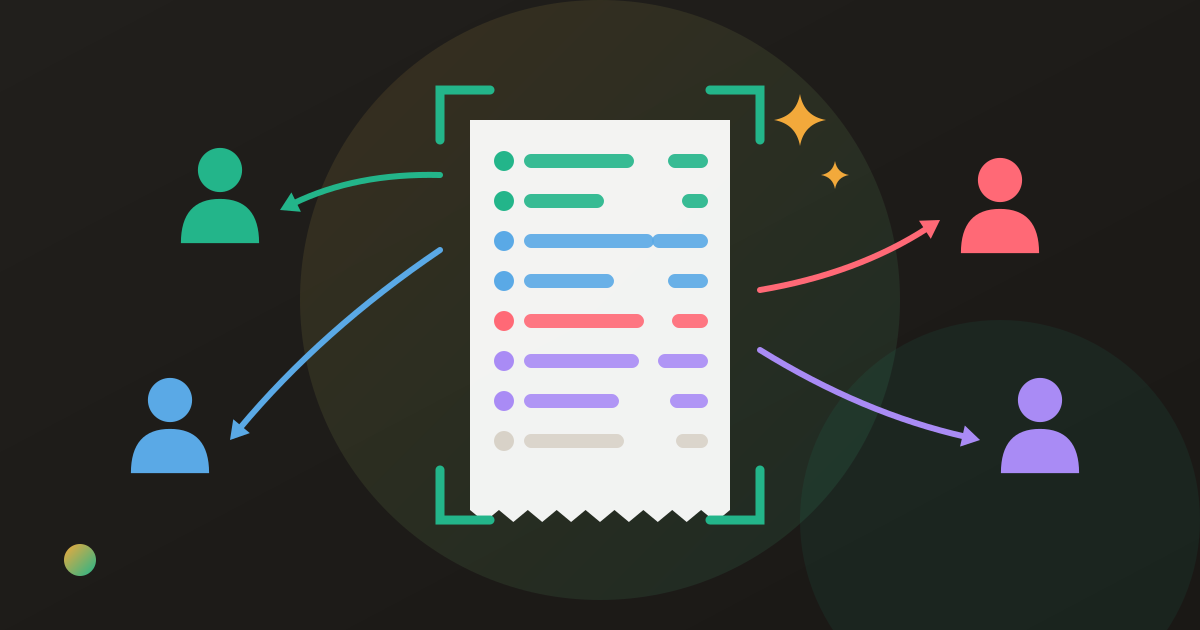
Most expense apps can divide a total. Far fewer can read a receipt, let each person take their own lines, and put the tax and tip where they belong. The best app to split receipts does four things: reads the bill from a photo, lets each person claim their own items, splits shared items among the people who shared them, and spreads tax and tip in proportion to each order. Donget and Tab do all four free; Splitwise does them with Pro.
What an itemized bill splitter actually has to do
Splitting by receipt is four small jobs, and an app can fail at any one of them.
- Read the receipt. A photo turns into item lines with prices, so nobody types them.
- Assign the lines. Each person takes their own items; a shared plate goes to the people who shared it.
- Spread the extras. Tax, tip, service charge and discounts are divided in proportion to each person’s items, not by headcount. How to split tax, tip and service charge fairly explains why.
- Keep the result. Each person’s share lands somewhere everyone can see it, and ideally nets against the next shared cost instead of needing four transfers tonight.
An app that only stores a photo of the receipt leaves the first job to you; one that splits the total equally skips the next two.
Best apps to split receipts, side by side (checked October 2026)
| Donget | Splitwise | Tab | Settle Up | Tricount | Splid | |
|---|---|---|---|---|---|---|
| Scans receipts | AI, free | Pro only | Yes, free | No (photo storage in Premium) | No | No |
| Itemized assigning | Yes, from the scan | Pro (from a scan) | Yes, from the scan | Yes, typed by hand | No | No |
| Tax and tip in proportion | Yes, plus discount and delivery | Can be added; method not stated | Yes | Not stated | — | — |
| Everyone needs the app | No: the payer can assign for anyone | Account needed; web app | No: one phone can assign; others join from Tab (iPhone only) | Balances viewable in a browser | Join by link | Join with a code |
| Balances across many bills | Yes | Yes | Not described | Yes | Yes | Yes |
| Cost | Free, no ads | Free with ads; Pro $4.99 a month | Free | Free with ads; Premium $3.99 a month | Free | Free |
Facts come from each app’s own help centre, website or store listing. Splitwise’s free plan also caps you at four expenses a day.
One receipt, worked through
Lena, Marco, Tariq and Yuki have dinner and Marco pays. The receipt:
- Lena: burger $17, iced tea $4 — $21
- Marco: ribeye $36, two beers $18 — $54
- Tariq: veggie bowl $15, tap water — $15
- Yuki: salmon $28, glass of wine $13 — $41
- Shared: fries for the table $10, $2.50 each
Food and drink come to $141. Tax at 8% is $11.28 and a 20% tip on the food is $28.20, so the bill is $180.48. Tax plus tip is 28% of the food, so each person’s items are multiplied by 1.28:
| Own items | Share of fries | Subtotal | × 1.28 | Equal split | |
|---|---|---|---|---|---|
| Lena | $21.00 | $2.50 | $23.50 | $30.08 | $45.12 |
| Marco | $54.00 | $2.50 | $56.50 | $72.32 | $45.12 |
| Tariq | $15.00 | $2.50 | $17.50 | $22.40 | $45.12 |
| Yuki | $41.00 | $2.50 | $43.50 | $55.68 | $45.12 |
| Total | $131.00 | $10.00 | $141.00 | $180.48 | $180.48 |
Split by item, Tariq pays $22.40 instead of $45.12, and Marco’s $72.32 carries the beer he drank. Marco paid, so three transfers settle it: Lena $30.08, Tariq $22.40 and Yuki $55.68, all to Marco. An itemized bill splitter should give you exactly this without anyone multiplying.
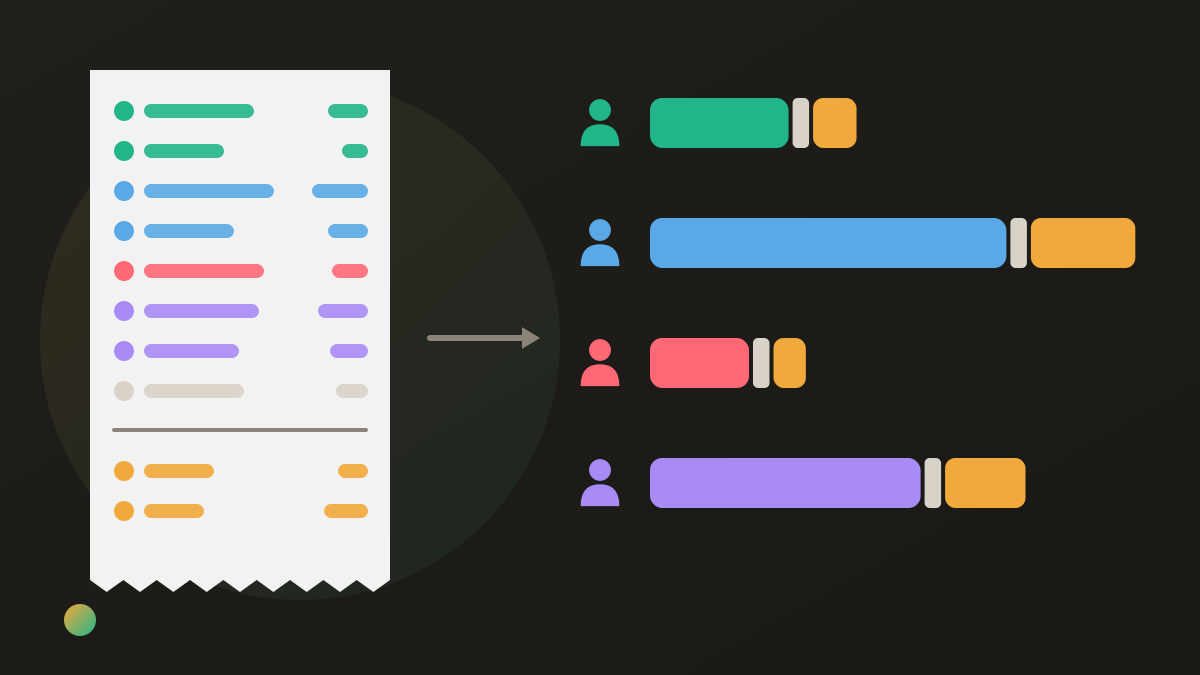
Whether the table should itemize at all is a separate question; split evenly or itemize gives the rule of thumb.
The apps one by one
Donget
Where it wins: the whole job, free, inside the same group where the rest of your shared costs live. Choose Scan a receipt, take the photo and tap Scan with AI: the lines come back with prices and quantities, plus three amounts read from the bottom of the receipt, Tax & VAT, Discount and Delivery fee. A tip or service charge printed on the receipt is read into Tax & VAT. Each person taps Claim a share on their own items, or whoever paid assigns them for everyone. Tax, discount and delivery are then spread in proportion to each person’s items, and the shares always add up to the receipt total. The result nets against everything else the group owes, and Settle up suggests the fewest transfers.
Where it loses: there is no separate tip line, so a tip you add yourself goes into Tax & VAT. A delivery fee is spread in proportion too, not per head. Scanning needs a connection; offline, the scan waits in a queue until you are back online. There is no web app, so a friend who wants to claim their own items needs the app, and a one-off dinner with people you will not see again still means creating a group first.
Splitwise
Where it wins: a mature app with a web version, and if someone already pays for Pro, scanning and itemizing are there, alongside currency conversion and unlimited expenses.
Where it loses: scanning and itemizing a receipt are Pro features ($4.99 a month), the free plan shows ads and stops at four expenses a day, and the help centre says tax, tip and discounts can be added to an itemized bill without saying how they are divided. Press reports in October 2026 describe Itemize, a free restaurant-bill splitter in the US and UK that the help centre did not yet cover, so the table follows the help centre. What you give up on Splitwise’s free plan covers the rest of the paywall.
Tab
Where it wins: one job, done quickly. Photograph the receipt, everyone taps the items they ordered, several people can share an item, and tax and tip are divided in proportion. It is free.
Where it loses: it is iPhone-only, a friend who wants to pick their own items needs Tab on an iPhone too, and its listing describes summaries of past bills rather than a running balance across a trip or a flatshare.
Settle Up
Where it wins: itemized bills are in its free feature list, so a long bill can be split line by line, and friends can view the balance in a browser without installing anything.
Where it loses: nothing reads the receipt, so every line is typed by hand; storing receipt photos is a Premium feature; the free app shows ads; and its listing does not say how tax and tip are divided across items.
Tricount and Splid
Where they win: both are free, quick to join and fine for splitting a whole expense equally or by amount.
Where they lose: neither scans receipts nor splits by item; you can only work out each share yourself and enter it as an exact amount. Expense splitting apps compared covers both for everything except receipts.
Which itemized bill splitter for which table
A dinner with friends you share costs with anyway. An app that keeps a running balance, so tonight’s shares net against the next bill: Donget free, or Splitwise with Pro.
A one-off dinner, everyone on iPhone. Tab splits that single bill and is done.
The group already uses Settle Up, Tricount or Splid. Stay put: itemize by hand in Settle Up, or enter exact amounts in the others. How to split a restaurant bill shows the method at the table.
One friend will not install anything. Pick an app where the payer can assign their items for them, or one with a browser view. Splitting without everyone installing an app covers both.
Where Donget comes in
Receipt scanning in Donget is free and sits inside the group. Whoever paid scans the bill, checks the three amounts under the items, then either assigns the lines at the table or saves and lets everyone claim their own later, the route the app calls Let friends claim theirs later. Until someone claims, the whole receipt stays split equally; a person who claims anything pays only for what they claimed, and the rest stays split equally among those who have not claimed yet. If the table would rather not bother, Split everything equally does that in one tap.
People who are not on Donget yet can be added with Add a name, so the payer can assign their items too. How AI receipt scanning saves you time shows what a scan returns.
Frequently asked questions
What is the best app to split receipts?
It depends on the table. Donget and Tab both scan and split by item at no cost; Donget also keeps a running balance across many bills, while Tab is iPhone-only and splits one bill at a time. Splitwise does it with Pro, and Settle Up itemizes if you type the lines yourself.
Is there a free app that scans a receipt and splits it by item?
Yes. Donget’s AI receipt scanning is free, and Tab is a free iPhone app that reads a receipt and lets each person tap their items. In Splitwise, scanning and itemizing are part of Pro.
How do receipt-splitting apps handle tax and tip?
The good ones spread them in proportion to what each person ordered. Donget and Tab both do this; an app that divides the extras per head quietly charges small orders more.
Does everyone at the table need the app?
Not always. In Donget, whoever paid can assign every item, including to people added by name. In Tab, one phone can assign everything; friends who want to pick their own items join from Tab.
Can Splitwise split a receipt by item for free?
Its help centre says only Pro subscribers can scan and itemize receipts. Press reports in October 2026 describe a free feature called Itemize in the US and UK that the help centre did not yet cover.
What if the scan reads a line wrong?
Correct it before you save. In Donget every line can be edited and a missed item added, and a mismatch with the printed total is shown so you can fix it.
The bottom line
Pick an app that reads the bill, lets people take their own lines and spreads tax and tip in proportion. Tab does that for a single bill on iPhone, Splitwise with Pro, Settle Up if you type the lines, and Donget free inside a group that keeps the running balance.
Download Donget free and scan the next bill before anyone reaches for the calculator.