Is Tricount safe? Who owns it and what it does with your data
Is Tricount safe? Tricount is owned and operated by bunq B.V., an Amsterdam-based bank that its privacy policy names as the data controller. What its privacy policy and store labels say it collects, who it shares with, how deletion works, and what to check yourself.
Your group has decided on Tricount, and before you type the first amount someone asks the question that slows every group down: is Tricount safe, and who is on the other end? Then someone else notices the word “bunq” in the app and asks whether a bank now knows what you spent in Lisbon.
These are fair questions, and they have documented answers. Tricount is owned and operated by bunq B.V., an Amsterdam-based bank, which its privacy policy names as the controller of your data. Splitting a bill needs only names and amounts. The bank-related extras are optional and ask for much more, so how much Tricount knows about you depends mostly on what you opt into.
Every statement below is taken from Tricount’s privacy policy (last updated 7 March 2025), its help centre, bunq’s own announcements and the two app-store listings, as checked in October 2026. We cannot audit any company’s security, our own included, so nothing here is a verdict on it.
Who owns Tricount: the bunq connection
Tricount started in Belgium. On 3 May 2022, bunq, an Amsterdam-based bank, announced that it was acquiring the company, subject to regulatory approval at the time.
Tricount’s privacy policy is direct about the arrangement: bunq B.V. owns, develops and operates the app and website, and is the controller of your personal data, with its address at Basisweg 32, Amsterdam. The help centre adds that Tricount, including its card, runs entirely on the bunq platform and describes bunq as a fully licensed bank. On the App Store the seller is listed as Tricount SA; on Google Play the developer is bunq.
So “Tricount bunq” is not a loose partnership. When you use Tricount, your data controller is a bank.
Is Tricount legit?
The question usually means: is there a real, accountable company behind it? Tricount is an established app, published on both stores with an App Store copyright line that runs from 2012, and its privacy policy names the company that runs it, its address, its Dutch Chamber of Commerce number and a data protection officer registered with the Dutch data protection authority.
“Legit” and “private” are different questions, though, and the second one is answered by what it collects.
Tricount privacy: what it says it collects
The privacy policy lists, among other things, identification data, financial characteristics, location and usage data, and device data such as IP address, device identifiers and an advertising identifier. The purposes include running your account and tricounts, sending invitations, statistics, troubleshooting, adding bunq card payments to tricounts, and marketing emails for both Tricount and bunq.
The store labels say the same thing more briefly, as of October 2026:
- App Store “Data Used to Track You”: Identifiers.
- App Store “Data Linked to You”: contact info (email, name, phone number), identifiers (user ID, device ID) and crash data, for purposes that include the developer’s advertising or marketing, analytics and app functionality.
- Google Play “Data shared”: device or other IDs for advertising or marketing, address for fraud prevention and compliance, and payment info for app functionality.
- Google Play security section: data is encrypted in transit, and you can request that data be deleted.
On ads, the sources differ. Tricount’s site says “no ads”, and the privacy policy states that version 8 of the app contains no general or personalised advertising, while the same policy’s list of purposes still includes displaying advertising and personalised advertising. Google Play still shows the “Contains ads” label.
Who Tricount shares data with
The policy does not use the word “sell”. It lists who data may go to: bunq group companies, service providers and partners (including for marketing and data analysis), auditors and advisers, authorities when required by law, and potential buyers, investors or lenders in a business transaction. Data may be processed outside your country, with the European Commission’s standard contractual clauses as the safeguard. Data is kept for as long as there is “a legitimate business need”, with no fixed period stated.
What splitting actually needs
Strip the extras away and an expense-splitting app needs very little. Sophie, Tom and Amira rent a cabin for a weekend: Sophie pays €270 for the cabin, Tom €84 for groceries and Amira €36 for fuel, all shared equally.
| Paid | Share | Balance | |
|---|---|---|---|
| Sophie | €270 | €130 | +€140 |
| Tom | €84 | €130 | −€46 |
| Amira | €36 | €130 | −€94 |
| Total | €390 | €390 | €0 |
Two transfers settle it: Amira pays Sophie €94, Tom pays Sophie €46. To get there, any app needed three names and three amounts. No bank login, no card, no ID. Do bill-splitting apps need your bank account? goes further into why.
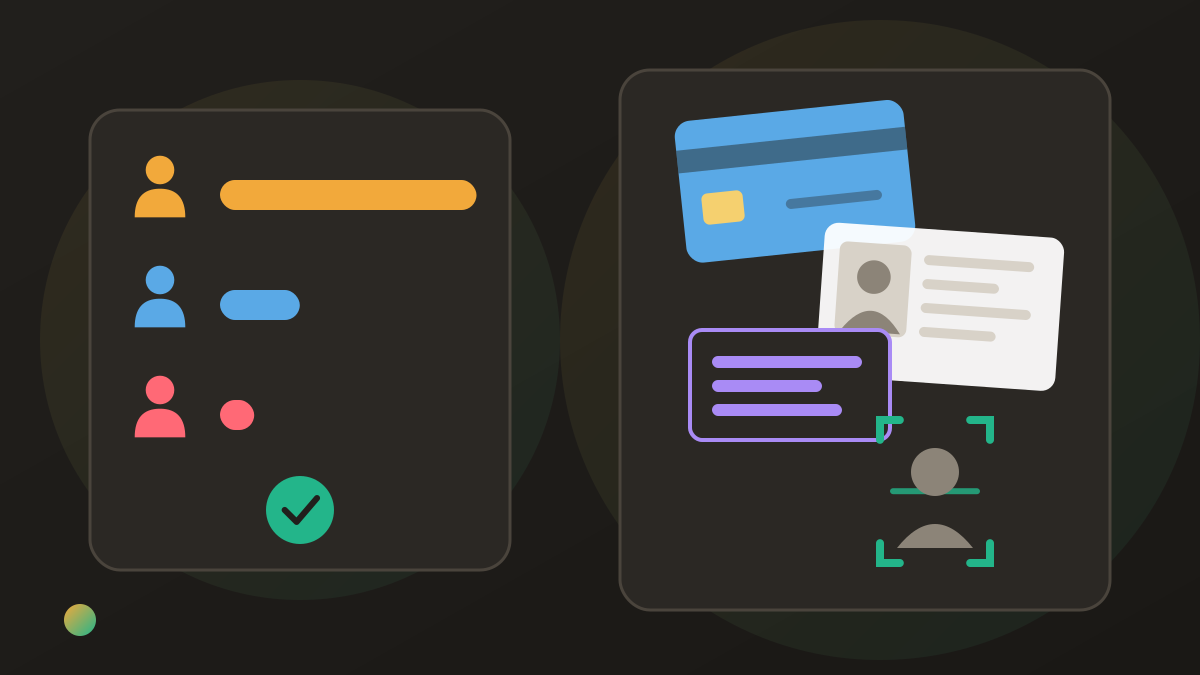
Tricount’s optional card is a different matter. Its help centre says applying for the Free Credit Card means identity verification through a provider called Incode, an accepted ID document, and a tax identification number that bunq says it is legally required to collect. As a bank, bunq may also ask how you use the card.
Linking bunq is a one-way door, for now
If you already bank with bunq, you can link your account so card payments land in your tricounts on their own. Read one line in the help centre before you do: it is currently not possible to unlink your bunq account from your tricount. Linking is optional; if you are unsure, leave it until you are.
Deleting your Tricount data
The help centre gives two routes: Profile tab → Delete Profile in the app, or an email to support. Either way, Tricount emails a confirmation that the profile will be deleted within seven days. Deleting a single tricount is separate: long-press it and tap Delete.
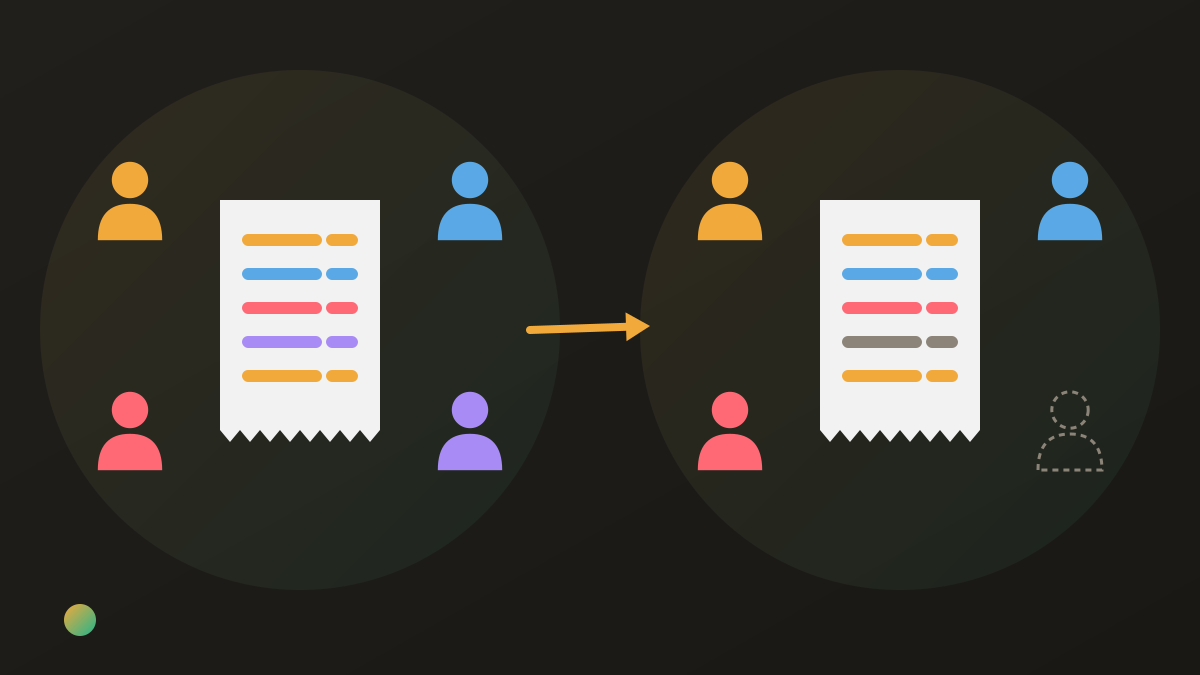
One thing surprises people. The privacy policy says that when you delete your data, your identifiers in shared tricounts are pseudonymised, but the tricounts themselves, the expenses, are kept, because other members still need them. That is a reasonable design for a shared ledger, and Donget behaves the same way. It does mean “delete” removes you, not the history you shared.
What to check yourself
Whatever app your group uses, these checks are quick:
- Read the store labels on your own phone’s store. They change between versions and regions.
- Skip the optional links you do not need. Splitting works without a bank account or a card.
- Check your marketing email settings, since the policy lists marketing emails for Tricount and bunq among its purposes.
- Keep payments outside the ledger if you prefer. The app records who owes whom; you can still pay by your usual method and record the payment in the app.
- Watch for phishing. Tricount’s FAQ has a section on what to do if you have been phished, and asks you to secure both your Tricount and bunq accounts and report it through bunq’s forms.
- Know your deletion route before you need it: the in-app option, plus [email protected] for data requests.
Where Donget comes in
The same questions apply to Donget, so here are its answers from our security page. Donget is run by Donget Digital Ltd, a company registered in England and Wales, and it is not a bank: there is no card, no account link and nothing to verify beyond your sign-in. Traffic between the app and its backend is encrypted in transit over HTTPS/TLS. You sign in with Google, Apple or a one-time code sent to your email, so there is no Donget password. There are no ads, no ad networks and no selling of data. A group’s expenses are visible only to its members.
You can delete your account from the app with Delete account, and you have 30 days to sign back in and cancel. As with Tricount, the groups, expenses and transfers you shared stay in the app for the others, under a placeholder name. Where Donget gives up something: it runs on a third-party cloud backend (Supabase), so your data may be processed outside your country too, and it has no export of any kind, where Tricount will produce one on request.
If your decision is between apps rather than about one, Tricount alternatives and Splid vs Tricount compare them on features, and is Splitwise safe? asks the same questions of Splitwise.
Frequently asked questions
Is Tricount safe to use?
Tricount is run by bunq B.V., which Tricount’s help centre describes as a fully licensed bank. Its Google Play listing says data is encrypted in transit and deletion can be requested. What you can judge is what it collects, who it shares with, and how much you give it.
Is Tricount owned by bunq?
Yes. bunq announced the acquisition on 3 May 2022, and the privacy policy says bunq B.V. owns, develops and operates the app and is the controller of your data.
Is Tricount legit?
It is an established app on both stores, and its privacy policy names its operator, bunq B.V., with an Amsterdam address and a data protection officer. How much data you share with it is a separate question, answered by that policy.
Do I need a bunq bank account to use Tricount?
No. Splitting needs no bank account. Linking bunq or applying for the Free Credit Card is optional, and the card involves identity checks and a tax number.
What happens to my data if I delete Tricount?
Delete your profile from the Profile tab and you get an email saying it will be deleted within seven days. Your identifiers in shared tricounts are pseudonymised; the expenses stay for the other members.
Does Tricount sell my data?
The policy does not use the word. It lists bunq group companies, service providers and partners, authorities, and potential buyers or investors as possible recipients.
The bottom line
Tricount is an app with a bank behind it, and its own documents are clear about that: bunq controls the data, the store labels list identifiers used for tracking and marketing, and deletion removes you but not the shared history. Splitting itself needs only names and amounts; the card and the bank link are where the bigger data requests live, and both are optional.
Download Donget free if you would rather split with an app that is not a bank and asks for nothing beyond a sign-in.