Who brings what list: organise a party or potluck without the chaos
A who brings what list works when it is grouped by category, every item has one name and a quantity, and anything bought for everyone is split among the people it was for. Here is how to build one, hand it out and settle the money.
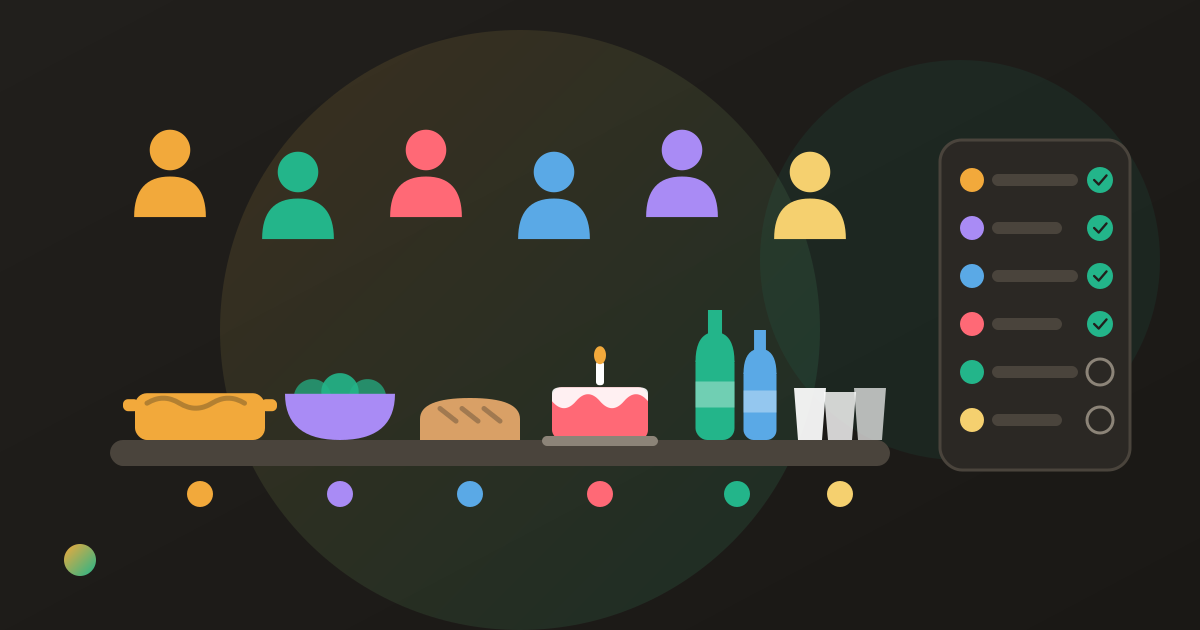
Someone sends “Potluck at mine on Saturday, bring something!” to the group, and forty messages later three people are bringing hummus, nobody has the ice, and the friend who bought all the drinks is wondering how to ask for the money back. Nobody was unhelpful. A long message thread is just a poor place to keep a list.
A who brings what list fixes that, as long as it is built the right way.
A who brings what list works when it is grouped by category, every item carries a quantity and exactly one name, and the dull jobs are on it too. Dishes people make are their contribution and need no money. Anything one person buys for everyone is recorded once and split among the people it was for.
What a who brings what list needs
A message thread can hold the same information as a list, but it cannot show it. Four things turn a pile of offers into a list:
- Categories, so the gaps are visible: no main yet, three desserts already.
- A quantity on every item, so “salad” becomes “green salad for 10”.
- One name per item, so nobody assumes someone else has it.
- A status you can see at a glance: taken, still open, done.
Everything below is how to get those four onto one page.
Step 1 — build the list from categories, not dishes
Start with the shape of the meal and fill in dishes after. For a potluck of eight to twelve people, a list that rarely goes wrong looks like this:
- Mains: two, one of them vegetarian
- Sides and salads: two or three
- Bread, or something to scoop with: one
- Dessert: one or two
- Soft drinks, water and ice
- Alcohol, if the group drinks
- Plates, cups, napkins, cutlery and bin bags
- Kit: serving spoons, a cooler, a speaker, an extension lead
- Jobs: setting up, the playlist, clearing away, driving someone home
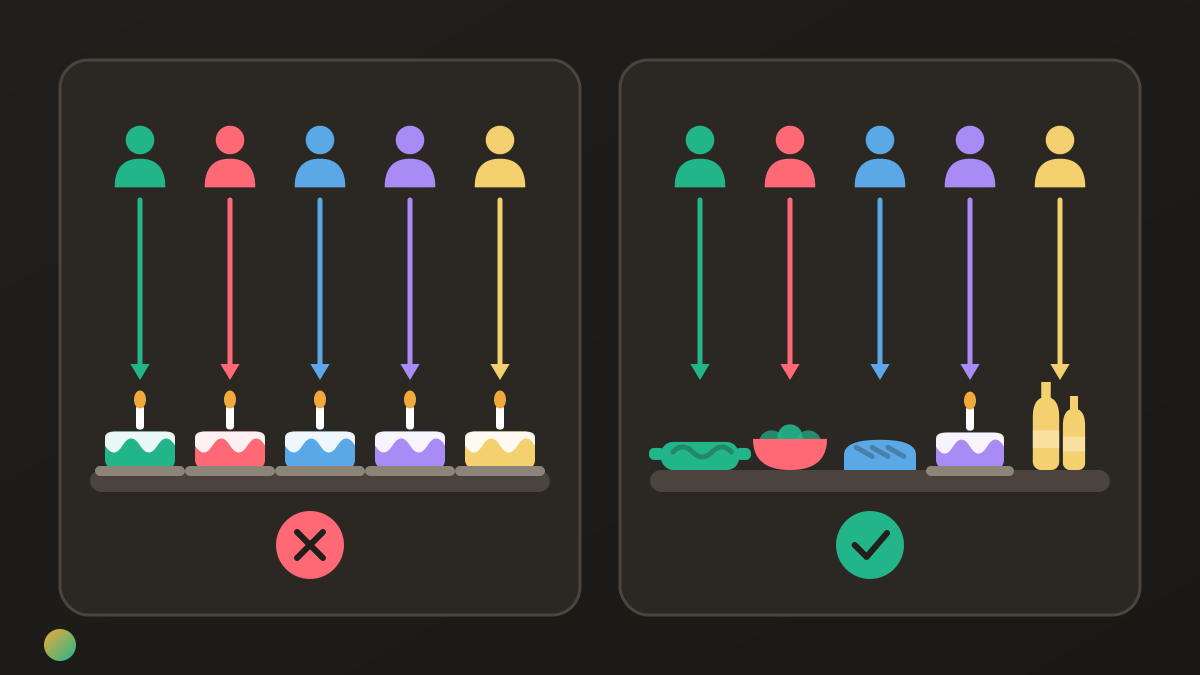
The categories are the guard against the five-desserts problem. When “Dessert: 1” already has a name, the next person who wants to bake a cake sees it and picks a side instead.
Step 2 — write the quantity into the item
“Drinks” is not an item. “Sparkling water, 6 bottles” is. “Ice, 2 bags” is. “Lasagne for 10, vegetarian” tells the next person exactly what is covered and what is not. Dietary notes go in the same line: nut-free, vegan, gluten-free. A guest scanning the list on their phone should not have to ask a follow-up question.
Step 3 — open or assigned: how to hand it out
There are two ways to answer who will bring what, and most hosts end up using both.
An open list lets people claim what they like. Friends enjoy choosing, and people bring what they cook well. The risk is predictable: the fun items go in an hour, and the ice, the plates and the clearing away sit unclaimed until the day before.
An assigned list has the host hand out every item. It suits a big or mixed group, a tight budget, or anyone who will not volunteer. It can feel bossy if it covers the cooking.
The hybrid works best: assign the essentials nobody volunteers for, leave the dishes open, and hand out whatever is still unclaimed two days before. If someone cannot make it any more, their item goes back on the open list rather than quietly disappearing.
Step 4 — put the jobs on the list too
Setting up tables, making the playlist, bringing a cooler, washing up, driving the friend who lives out of town. These take as much time as a salad and are the first things forgotten. Listing them means the people who do them are seen, and the host does not end the night alone at the sink.
Who’s bringing what to the party, and who pays for it
Most of a potluck involves no money at all. Each guest’s dish is their contribution, and nobody owes anyone for a salad.
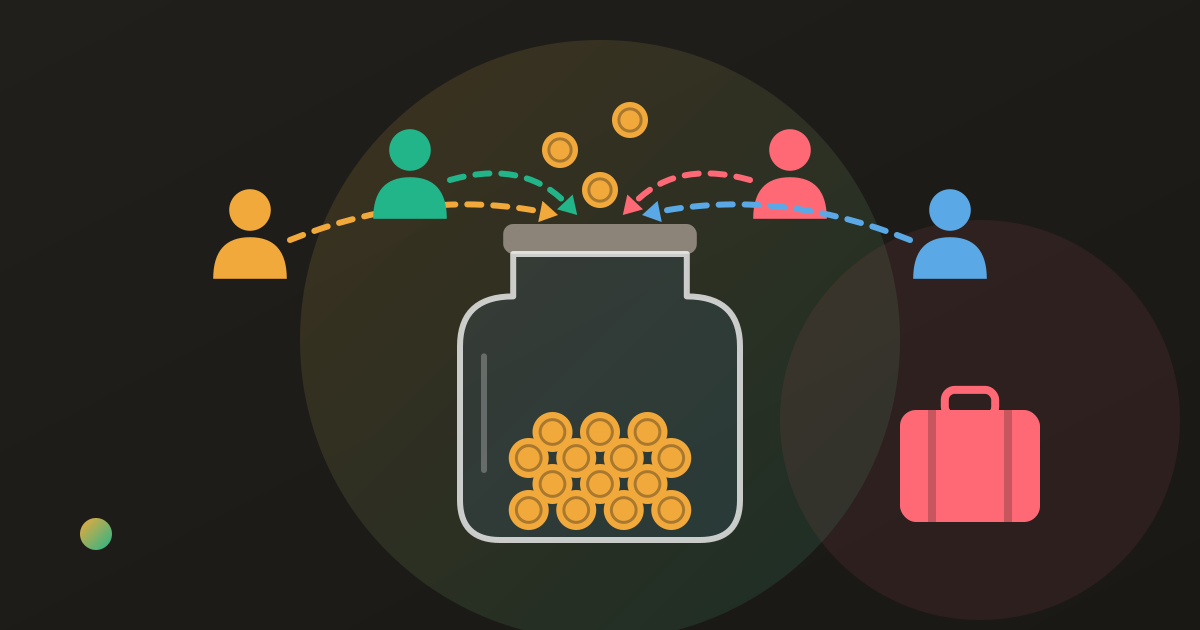
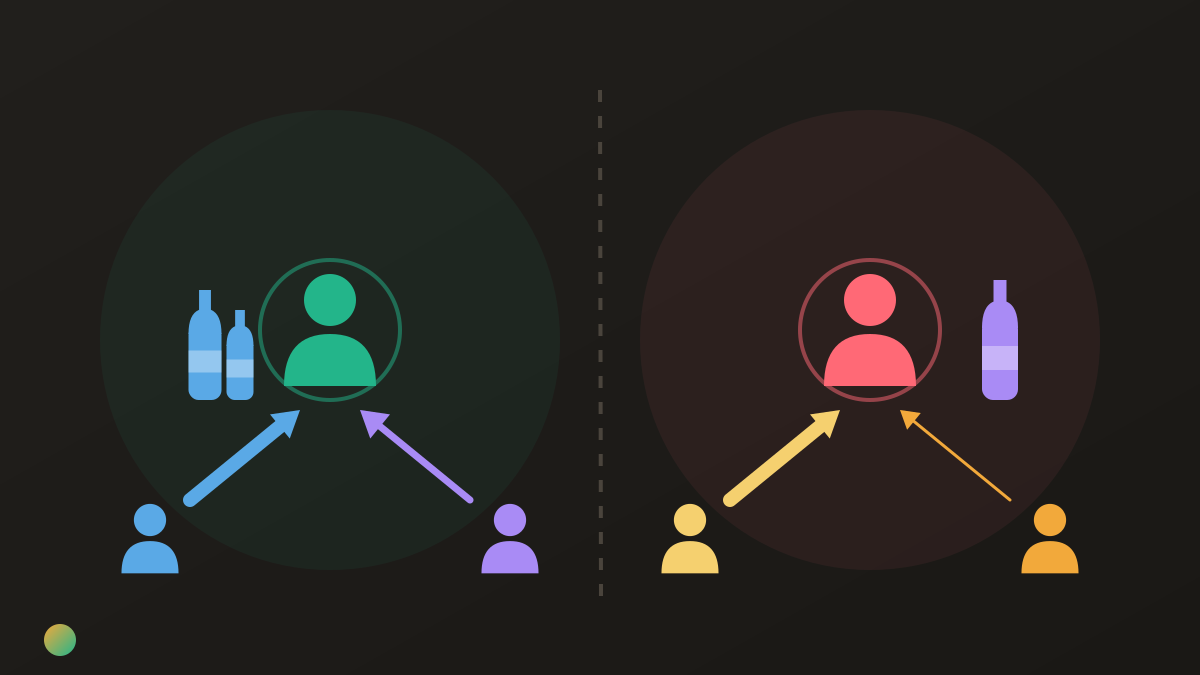
Money only appears when one person buys something for everyone: the drinks, the ice, the plates, a cake. The fair way to handle it is one expense, paid by the person who bought it, split among the people it was for. If only some guests drink wine, the wine is split among them. If the host says “I’ll buy the meat, everyone chips in”, that is a shared purchase too, as long as it was said before the party, not after.
For a birthday, the guest of honour’s share is a separate question. Who pays on a birthday dinner covers that, and splitting a group gift covers the present.
A worked example: a six-person potluck
Nadia hosts. Leo, Priya, Sam, Jonah and Elif each bring a dish, which costs nobody anything. Three people also buy something for the group:
| Shared purchase | Paid by | For | Each |
|---|---|---|---|
| Soft drinks and sparkling water, $54 | Leo | all six | $9 |
| Wine, $60 | Priya | Nadia, Priya, Sam, Elif | $15 |
| Ice, plates and cups, $24 | Nadia | all six | $4 |
Each person’s balance is what they paid minus their shares:
- Nadia: $24 − $28 = −$4
- Leo: $54 − $13 = +$41
- Priya: $60 − $28 = +$32
- Sam: $0 − $28 = −$28
- Jonah: $0 − $13 = −$13
- Elif: $0 − $28 = −$28
The balances add up to zero. It settles in four transfers: Sam pays Leo $28, Jonah pays Leo $13, Elif pays Priya $28 and Nadia pays Priya $4. Four is the minimum here, because four people owe money and each of them has to pay at least once. The method behind that is in how to calculate who owes whom.
A shared note, a sign-up sheet or an app
A shared note is free and everyone can edit it, but it does not stop two people claiming the same line and it has nothing to say about money. A sign-up sheet is built around slots and quantities, which suits a large event where twenty people each bring one thing. A who brings what app that also splits costs suits a group of friends, where the list and the money are the same conversation.
Where Donget comes in
Every Donget group has a Money | Tasks switch. Under Tasks, the host taps Add task for each line and chooses Who takes it?: Open puts the item Up for grabs for anyone to take, or the host can hand it to one or more people straight away. Typing a whole list is quick, because the keyboard’s action key adds the item and keeps the sheet open for the next one. Guests tap Take it on whatever they want; someone who has to drop out taps Give it back and it is up for grabs again. The Group tasks view shows what is taken, what is still open and how many are done.
When Leo ticks “Soft drinks and sparkling water, 6 bottles” with Mark as done, Donget asks Spent money on Soft drinks and sparkling water, 6 bottles? and Add expense opens the expense form with the title already filled in. He adds the amount and who it was for, and Settle up suggests the transfers above. Guests who are not on Donget can still be added as members, and anyone in the group can tick their tasks for them. Splitting expenses when not everyone installs the app covers how that works.
Where it loses: Donget has no quantity field and no sign-up slots, so the quantity goes in the task title, and there are no dates on tasks. For a large public event with dozens of slots, a sign-up sheet does that job better.
Frequently asked questions
What should be on a who brings what list?
Categories first: mains, sides, bread, dessert, soft drinks and ice, alcohol if any, plates and cups, and the jobs. Under each, the items with a quantity and one name.
How do you organise who’s bringing what to the party?
Write the list by category with quantities, assign the essentials nobody volunteers for, and leave the rest open. Anything unclaimed two days before is the host’s to hand out.
Is there a who brings what app?
Several kinds of tool do it. A shared note tracks no money, sign-up sheet tools are built around slots, and Donget’s group tasks link each item to a shared expense but have no quantity field, so the quantity goes in the title.
How do you stop everyone bringing dessert?
Group the list by category and put a number on each. Once the dessert line has a name, the next person picks a side instead.
Should guests pay the host for a potluck?
Not for the dishes. If the host also buys something for everyone, it can be split among the guests it was for, as long as the host says so before the party.
How do you split the cost when one person buys drinks for everyone?
Record it once, paid by the buyer, split among the people it was for. Wine for four drinkers is split four ways; soft drinks for six, six ways.
The bottom line
A potluck goes wrong in the list, not in the kitchen. Group it by category, put a quantity and one name on every line, list the jobs, and treat anything bought for everyone as one shared expense split among the people it was for. Then the only argument left is over the last slice of lasagne. If you are taking the party outdoors, the group camping checklist applies the same idea to tents and stoves.
Download Donget free and keep the who brings what list and the shared costs in the same group.