Potluck sign-up apps: slots, dishes and shared costs
Compare potluck sign-up apps for dish slots, guest access and reminders. Keep voluntary food contributions separate from shared purchases and repayments.
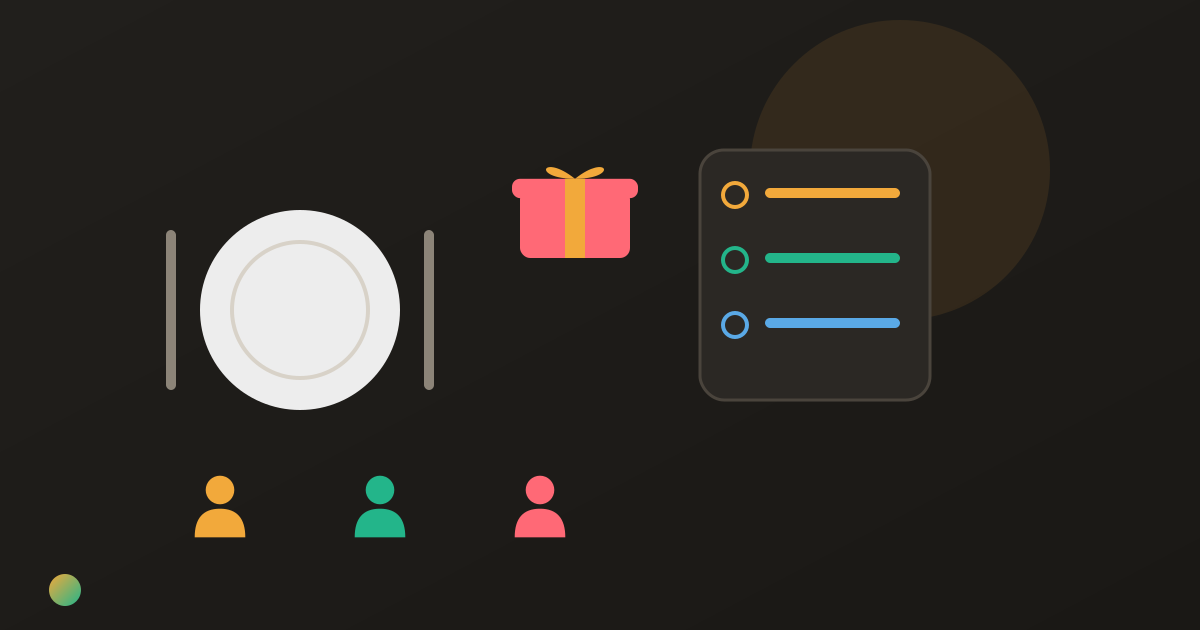
Three friends have offered to bring dessert. Nobody has claimed a main, and the host has bought drinks without saying whether they are a gift. A potluck sign-up app can make the contribution list clearer, but it cannot decide the money arrangement for you.
Choose a slot-based potluck sign-up app when you need a set number of dishes; use a short shared task list when named responsibilities are enough. State the expected contribution, how to release it and which purchases will be reimbursed. A claimed dish does not automatically count as money paid towards the gathering.
Choose slots or a short shared list
A slot answers “how many contributions do we still need?” A task answers “who is responsible for this job?” Neither automatically answers how many people will attend or who should pay for the shopping.
For a larger meal, two salad slots and one bread slot can be useful. Write the expected serving amount separately: one claimed slot could mean a small bowl or enough food for the whole table. For six friends who already know what they are cooking, a who-brings-what list may be sufficient.
Potluck sign-up tools compared
These suggested uses reflect official information checked on 23 October 2026, rather than a hands-on ranking.
| Tool | Useful when | Free starting point | Check before choosing |
|---|---|---|---|
| SignUpGenius | You need specific contribution slots and numbers | Basic sign-ups | Access settings, date-specific reminders and paid extras |
| PerfectPotluck | You want a straightforward online meal schedule | Free schedules | Define portions and confirm attendance; email needed for reminders |
| Donget | A short list of shared jobs comes with shared purchases | Free shared tasks and expenses | No slot quantities, RSVP page or task reminders |
For invitations rather than food commitments, the party-planning app comparison covers that different job. You do not need a second invitation page just to find someone to bring bread.
SignUpGenius: quantities and dated reminders
SignUpGenius’s potluck guide explains dish slots and a “Number Wanted” setting. That suits a host who needs two contributions in one category and one in another. Guests can normally claim through a link without creating an account, although organisers can require accounts or an access code.
Its Basic-plan guidance confirms free sign-ups; premium features include removing ads and additional administration options. Collecting money can involve transaction fees, including on free accounts. It is not just a dish list with no payment-related features.
The trade-off: check the format and settings. The reminder help says automatic reminders require a date-specific sign-up; they are unavailable in Slots Only. A free slot count also does not mean every restriction or customisation is free. And reserving a slot still leaves reimbursement to your agreement.
PerfectPotluck: a straightforward meal schedule
PerfectPotluck’s official help describes free schedules with categories chosen by the coordinator. Participants can use a direct link, or the coordinator’s surname and password, without creating an account. Its help says a reminder goes out two days before the event if the participant entered an email address.
That suits a meal whose main problem is recording contributions. The trade-off: someone still needs to define contribution amounts and confirm attendance. A category such as “salad” does not tell guests how many servings to bring. Its separate reminder guidance confirms the two-day email arrangement and the need for an email address. Check the commitment rather than treating a reminder as proof that the dish will arrive.
Donget: named jobs beside shared purchases
Donget suits a smaller group doing the preparation together. Under Tasks, use Add task for a concrete job, assign it to a named person, or leave it Open for somebody to take. “Bring bread for six” is a commitment written in the title, not a quantity-controlled slot.
If a shared job costs money, completing it can offer Spent money on Shared drinks? for a task named Shared drinks. Add expense opens the form with the title filled in only. Enter the actual amount and review the payer, included people and split before saving.
The trade-off: Donget has no potluck slot quantities, RSVP page, task due dates or automatic task reminders. It does not collect or transfer money. Pick a sign-up tool when those controls are the point of the list; do not recreate a large capacity-managed schedule as dozens of unnumbered tasks.
Write the contribution rule before anyone claims
Beside each item, make one of these arrangements clear:
- Voluntary contribution: the person brings it as a gift, with no repayment expected.
- Agreed shared purchase: the buyer records the actual cost for the people who agreed to share it.
- Free loan: someone brings their serving bowl or table and takes it home afterwards; ownership stays with them.
A suggested dish and an authorised shopping budget are different promises. If you want to reimburse ingredients, agree the scope before someone cooks. The holiday dinner cost guide goes further into the difference between hosting, contributions and shared shopping.
A six-person potluck: gifts stay outside the shared costs
Ada, Ben, Cleo, Dan, Erin and Finn agree to share three purchases equally. Ada pays €36 for room hire, Ben €30 for shared soft drinks and Cleo €18 for paperware. The shared total is €84, or €14 each.
Dan also brings a homemade contribution costing €20, and Erin one costing €16. Both are agreed gifts. Neither enters the €84 ledger or reduces the giver’s €14 share.
| Person | Paid towards shared purchases | Agreed share | Balance before repayment |
|---|---|---|---|
| Ada | €36 | €14 | Receives €22 |
| Ben | €30 | €14 | Receives €16 |
| Cleo | €18 | €14 | Receives €4 |
| Dan | €0 | €14 | Pays €14 |
| Erin | €0 | €14 | Pays €14 |
| Finn | €0 | €14 | Pays €14 |
Five transfers settle these balances: Dan sends Ada €14; Erin sends Ada €8 and Ben €6; Finn sends Ben €10 and Cleo €4. Everyone has then funded €14 of shared purchases. Including their gifts, Dan’s outlay is €34 and Erin’s €30.
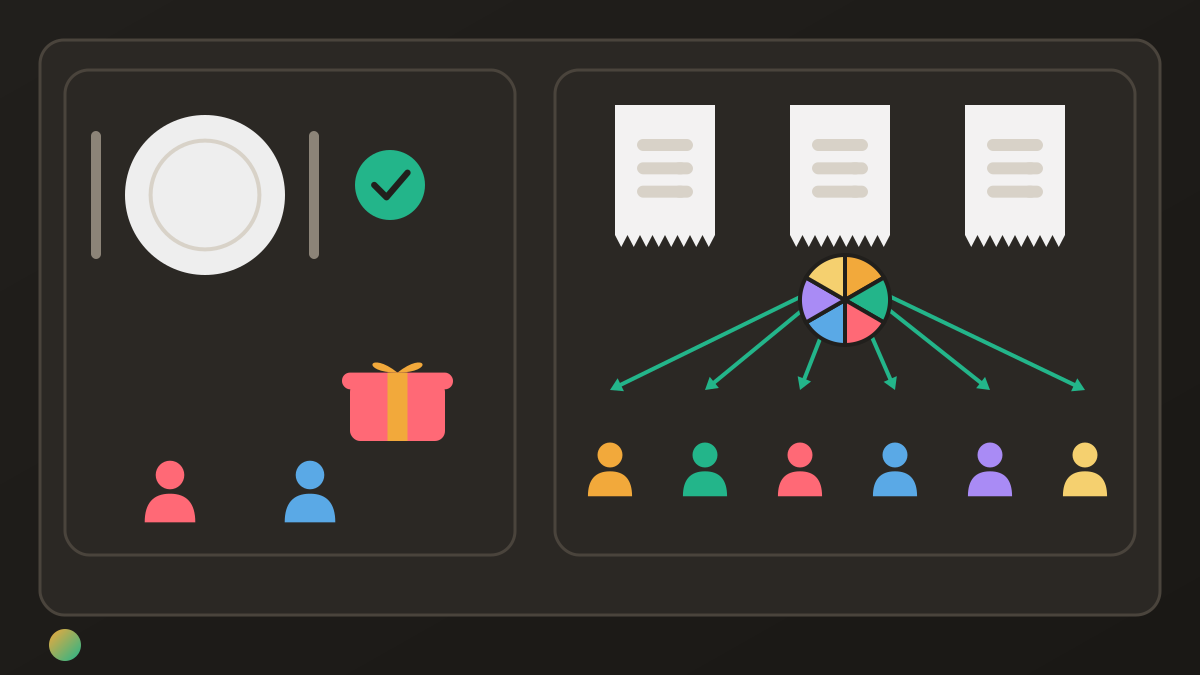
The house-party cost guide covers changing participation and different cost groups. Here, all six agreed to the same shared purchases; the food gifts do not silently change that rule.
Reopen a slot when someone cannot bring it
Ask people to release a commitment promptly rather than leave their name beside something that will not arrive. Confirm who takes over, what they are bringing and whether any replacement shopping is reimbursable.
If someone already bought an agreed shared item, retain that real expense. A cancelled task is not proof that no money was spent, and a replacement promise is not a second receipt. Update the contribution list and the actual-cost record separately.
Frequently asked questions
What is a good free potluck sign-up app?
SignUpGenius offers free Basic sign-ups with contribution slots, while PerfectPotluck offers free meal schedules. Donget suits a short list of named jobs alongside shared expenses, but does not have quantity-based slots. Choose according to whether you need controlled contribution numbers or a simpler shared list.
Do guests need an account to sign up?
PerfectPotluck does not require participant accounts. SignUpGenius normally allows guests to claim through a link without an account, but organisers can require one in their settings. Check the actual invitation rather than promising that every sign-up is account-free.
Can a potluck sign-up app send reminders?
SignUpGenius offers automatic reminders for date-specific sign-ups when enabled; its Slots Only format does not support them. PerfectPotluck says it emails a reminder two days before the event if the participant supplied an email address. Donget has no automatic task reminders.
How do I stop duplicate dishes?
Create specific contribution slots, say how many are needed and describe the expected amount of food. A slot for one salad is clearer than an unrestricted food list. Ask people to release their commitment if plans change, then find a replacement.
Does bringing a dish reduce someone’s share of shared costs?
Only if everyone agreed that arrangement beforehand. A voluntary food contribution can stay outside the shared ledger, while agreed purchases are reimbursed separately. Claiming a dish slot does not automatically create an expense or a credit.
Can Donget manage potluck quantities or RSVPs?
No, Donget provides shared tasks and expenses, not quantity-based contribution slots or an RSVP page. Use a sign-up tool when those controls matter. In Donget, write concrete jobs and give each one a responsible person.
Choose the smallest setup the group needs
Use slots when contribution numbers matter, a short shared list when responsibilities are enough, and an explicit agreement for money. Keep promises current and actual purchases separate from gifts, so a full sign-up sheet also describes a meal your group has agreed to provide.
Download Donget free and keep your potluck’s shared jobs and agreed purchases together.