Group trip planner template: jobs, bookings and costs
Copy a group trip planning template for decisions, named jobs and costs. Keep estimates separate from paid expenses, including deposits and optional activities.
One friend has found a stay, another has suggested a museum, and the message “shall I book it?” arrives before everyone has agreed a budget. The group has ideas in several conversations and no clear record of what is decided.
Use one group trip planning template for decisions, responsibilities and spending, with a separate line for each paid cost. Agree the budget and participants before booking, name the person responsible for each job, and keep estimates out of the repayment calculation until someone has actually paid.
Copy this group trip planning template
This is an in-page, copyable planning template, not a downloadable spreadsheet or an automatic calculator. Copy the tables into a shared note, document or sheet and fill the dashes. Keep the version everyone can find.
Start with decisions. “Suggested” and “agreed” are different states: record which one applies rather than treating an enthusiastic reply as permission to spend.
| Decision | Group’s agreed answer or current proposal | Person confirming it |
|---|---|---|
| People joining and possible dates | — | — |
| Destination and accommodation needs | — | — |
| Total budget and what it includes | — | — |
| Shared costs and optional activities | — | — |
| Booking approval and plan-change conversation | — | — |
Next, give the practical jobs owners. The handoff should describe an observable result, not just “sort transport”. Timing here is ordinary written coordination.
| Job | Named owner | Finished when | Timing or handoff |
|---|---|---|---|
| Confirm stay | — | Agreed booking details are available to travellers | — |
| Arrange transport | — | Travellers know the agreed journey | — |
| Coordinate shared food | — | Buyers know the list and participants | — |
| Check shared equipment | — | Missing items have owners | — |
Finally, keep a cost plan. An estimate helps people choose; it does not establish what they owe. “Paid so far” is a check against actual purchase entries, not another cost to add to them.
| Planned item | Budget estimate | People opting in | Proposed buyer | Paid so far |
|---|---|---|---|---|
| Accommodation | — | — | — | — |
| Shared transport | — | — | — | — |
| Shared food | — | — | — | — |
| Optional activity | — | — | — | — |
Fill in decisions before making bookings
Agree the dates, broad budget and accommodation needs together. The group trip planning guide covers that decision order in more detail; this template is where you keep the answers.
Make exclusions visible. A museum can be optional, personal shopping can remain personal, and a restaurant evening can have its own agreement. Avoid “everything included” unless the group has actually named what everything covers.
Keep sensitive booking credentials somewhere suitable for the travellers who need them. The shared plan can say where the information is held without exposing private details to everyone who might receive a copy.
Give each job an owner and a handoff
Ask someone to accept responsibility for each job. That means naming the responsible person, not just giving the task a neat title. Someone can find options while someone else makes an approved purchase; record that distinction.
Use the shared packing list for equipment people are bringing. A task owner can recruit help, but a row with no owner remains unfinished planning. Do not assign the organiser every leftover job by default.
Keep estimates, commitments and payments separate
Suppose the stay is expected to cost €720. That estimate belongs in the cost plan. Once Amira pays a €180 deposit, record €180 as paid. When she later pays the €540 balance, add that payment too. The accommodation expense is €180 + €540 = €720, not those payments plus another €720 booking total.
Use the same distinction for a proposed activity. An option on the itinerary is not an expense, and someone declining it should not accidentally become a participant in its bill.
Agree how the group will discuss changed plans before booking. The trip cancellation conversation separates recovered money, sunk bookings and avoidable future spending; a template cannot decide that agreement for you.
A filled example: four friends and an optional activity
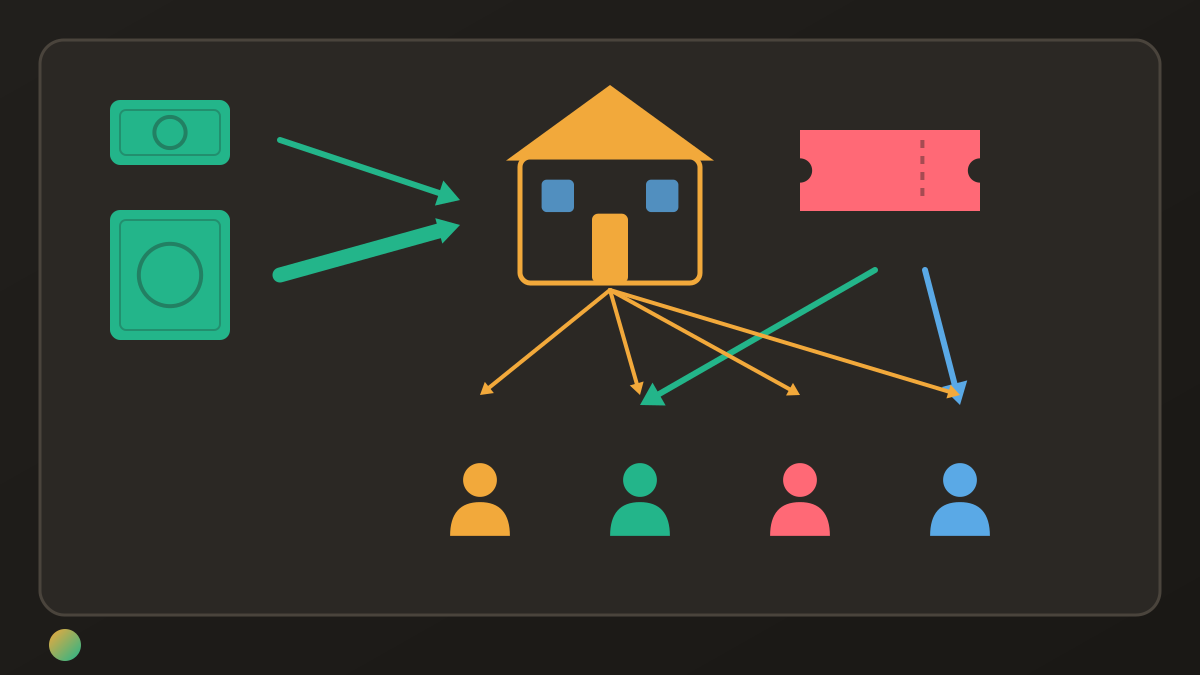
Amira, Ben, Cleo and Dan agree to share the stay, transport and groceries equally. Only Ben and Dan choose the museum. These are hypothetical actual purchases in euros, with no personal spending included.
| Actual paid cost | Paid by | Amount | Participants |
|---|---|---|---|
| Stay deposit | Amira | €180 | All four |
| Stay balance | Amira | €540 | All four |
| Transport | Ben | €120 | All four |
| Groceries | Cleo | €96 | All four |
| Optional museum | Dan | €48 | Ben and Dan |
| Total | €984 |
The common costs total €936: €720 + €120 + €96. Dividing by four gives €234 each. Ben and Dan each add €24 for the museum, so their shares are €258. Amira and Cleo remain at €234.
Work out the actual shares and repayments
Subtract each person’s share from what they paid. A positive result means they should receive money; a negative result means they still need to pay.
| Person | Paid | Share | Paid minus share |
|---|---|---|---|
| Amira | €720 | €234 | +€486 |
| Ben | €120 | €258 | −€138 |
| Cleo | €96 | €234 | −€138 |
| Dan | €48 | €258 | −€210 |
| Total | €984 | €984 | €0 |
Ben pays Amira €138, Cleo pays Amira €138, and Dan pays Amira €210. Amira receives €486. Three payments are the minimum because all three people with an unpaid balance must make one. Nobody reimburses the museum purchase twice: Dan’s €48 payment is already included in his net balance.
Know when to keep the document and when to add a ledger
Keep using the document when the group updates it reliably and the arithmetic remains manageable. It can hold itinerary decisions, links and explanations in whatever form the group prefers.
A spreadsheet expense ledger is a separate tool from this planning template. It derives balances from actual cost rows; the blank tables above contain no formulas. Adding a ledger does not require discarding a useful itinerary.
If a travel planner already handles your shared expenses adequately, you may not need a second record. The Wanderlog and Splitwise comparison explains how planning and expense features can overlap. Choose a clear place for the authoritative costs and avoid maintaining conflicting totals.
Use Donget for the agreed jobs and paid costs
Donget can hold the group’s Tasks alongside Money. Use Add task → Who takes it? to assign “Shared groceries” to Cleo. After Mark as done, Spent money on Shared groceries? → Add expense prefills the title only. Cleo enters €96, checks the payer and all four participants, then chooses Equally.
Record the museum with Ben and Dan only. Review Settle up, then use Paid after the actual repayments happen elsewhere; Donget does not move money. Keep your itinerary and timing in the planning document. Tasks have no dates or automatic reminders, and estimated costs do not automatically become expenses.
Frequently asked questions
What should a group trip planner template include?
Include agreed dates, travellers, budget, accommodation needs, shared and optional costs, named job owners and actual payments. Keep proposals distinct from decisions and estimates distinct from money already paid.
Can I use this group trip planning template in Google Sheets?
You can copy the in-page tables into a sheet, document or shared note and adapt the layout. This is a planning template, with no downloadable workbook or automatic formulas included.
How do you record a deposit and a later balance?
Record each amount once when paid. A €180 deposit and a €540 balance make a €720 accommodation cost; do not add another €720 expense for the booking total.
How do you include an activity only some friends join?
Name its participants separately before booking and split that purchase only among the people who agreed to join. Keep the activity out of the common-cost total used for everyone else.
When is a spreadsheet enough for group travel?
It can be enough when the group keeps it updated, its calculations fit the agreed splits and everyone can check the record. Keep a useful planning document even if you later choose a separate expense ledger.
Does Donget turn planned costs into expenses automatically?
No. A completed task can offer Add expense with the title prefilled, but the buyer must still enter the amount and review the payer, participants and split. Estimates in a separate planning document remain estimates.
Keep one plan people can trust
A usable trip template records what is agreed, who is responsible and what has actually been paid. Keep those distinctions visible and choose one authoritative expense record, so planning the next day does not mean reconstructing the previous one.
Download Donget free and keep the trip’s agreed jobs and paid costs together.